Cleaning and caring for the unit
58 Operating instructions
6.10.3 Inserting the cleaning cartridge
Use only cleaning cartridges with an undamaged wax seal.
If the wax seal is damaged, the cleaner can enter the cleaning
circuit prematurely or not dissolve completely, so that complete
cleaning is no longer assured.
Insert the cleaning cartridges only when requested to do so.
Requirement
Cleaning cartridges sealed and undamaged
1. Open cooking zone door.
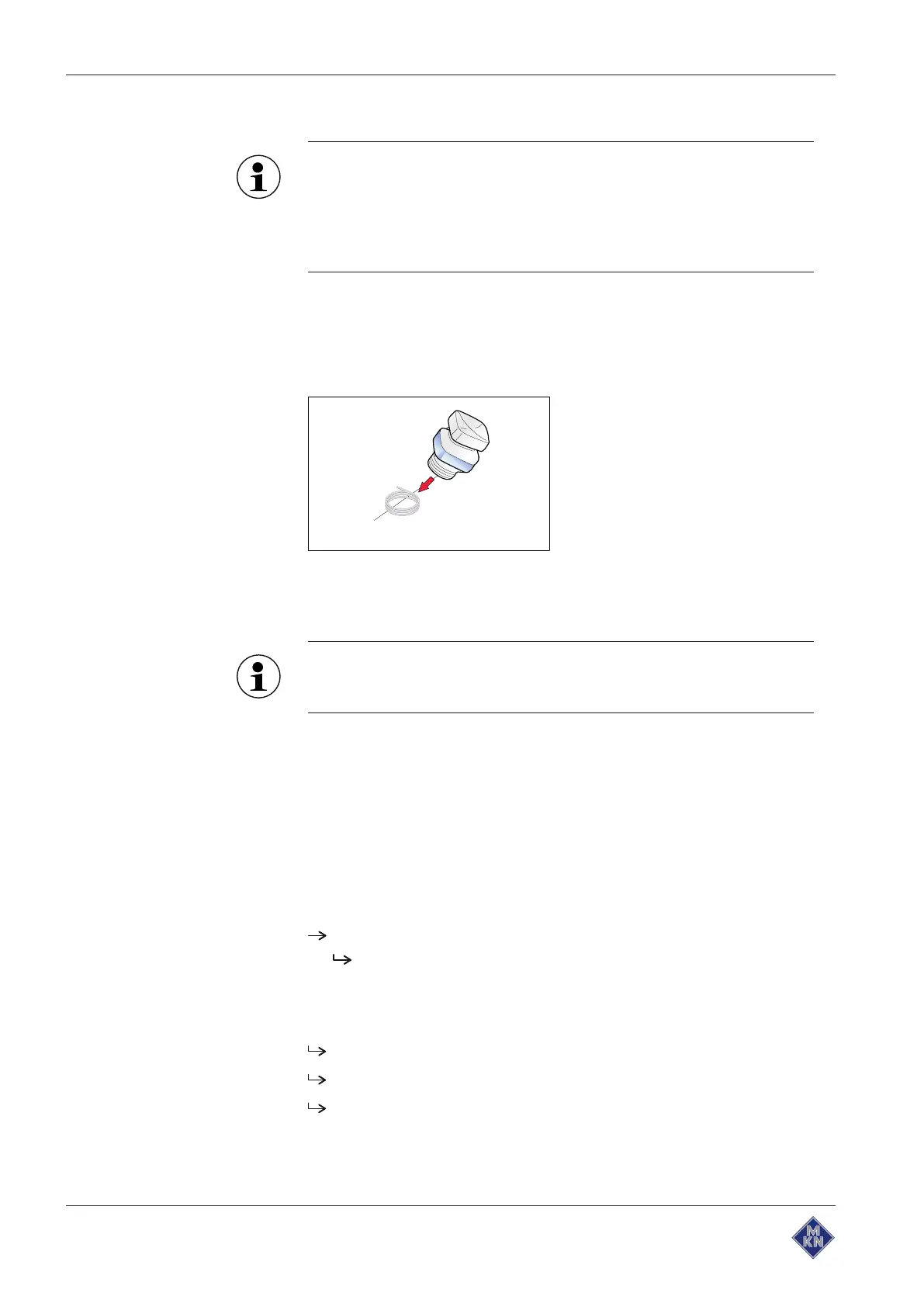
2. Remove the cover from the cartridge.
Image: Inserting a cartridge
3. Place the cartridge into the holder on the air diverter or into the
holder on the tray trolley.
Never operate the unit in the automatic cleaning mode without a
cleaning cartridge.
4. Close the cooking zone door.
6.10.4 Starting automatic cleaning
Requirement
Water connection is opened
The unit is on
Cleaning level selected
Cooking zone temperature at 60 °C
Tap the "START STOPP" button.
The display shows the remaining time.
6.10.5 Cancelling automatic cleaning
1. Tap the "STOPP" button.
Automatic cleaning is cancelled.
Automatic rinsing starts and cannot be cancelled.
Upon completion, a request appears to remove the cartridge.
2. Remove the cartridge.
10015160-0ABBE--



 To Next Page