Operating the unit
33Operating instructions
5.5.5 Activating and cancelling inhibit operation
Activating inhibit operation
Requirement
The "Inhibit operation ON" function is activated in the
Setting
menu
Tap and hold the centre of the information bar for 3 seconds.
The FlexiHelp button disappears and the lock symbol appears
in the information bar.
The touchscreen is locked.
Cancelling inhibit operation
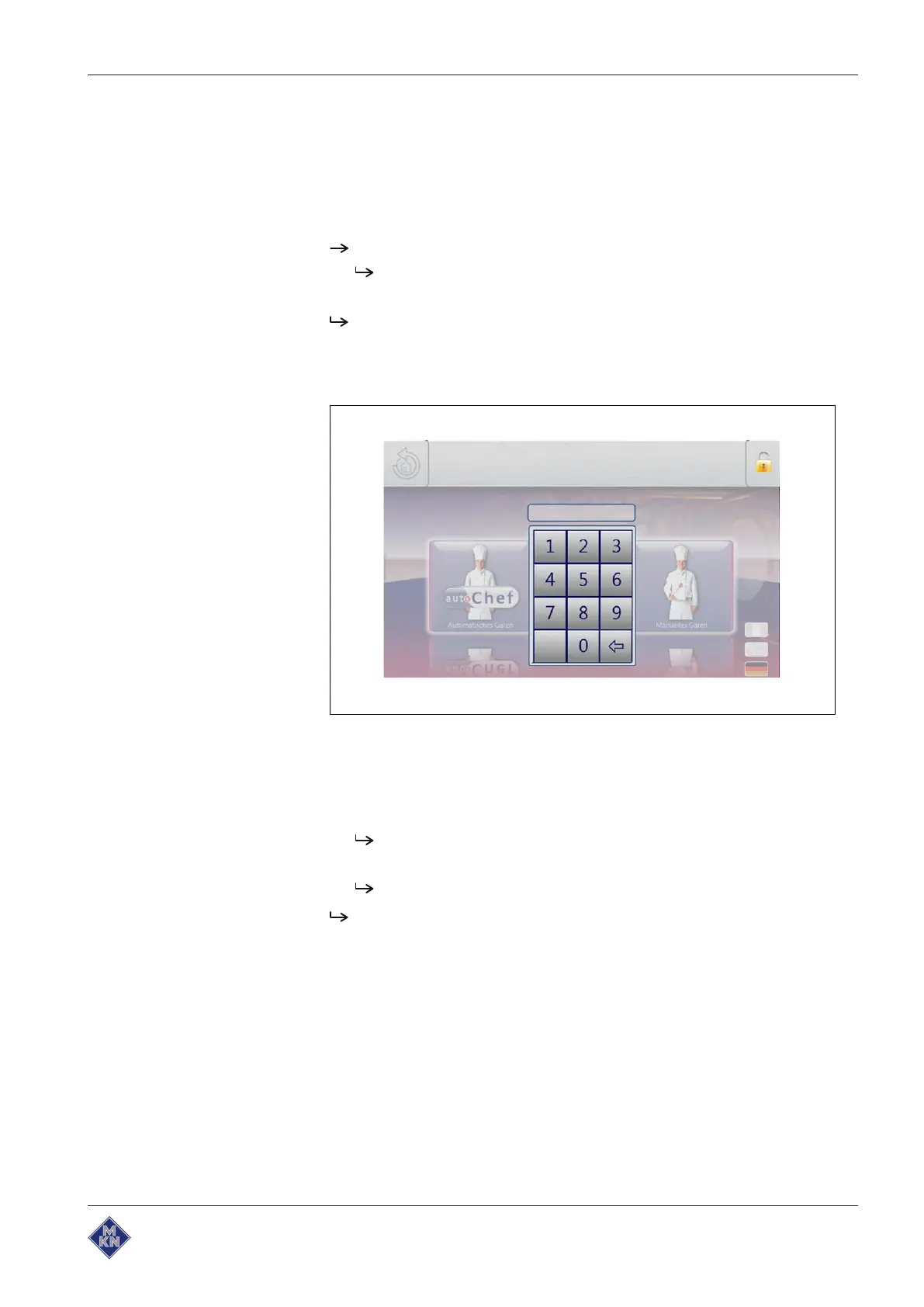
Image: Unlock the main menu by entering the PIN
Requirement
The touchscreen is locked
1. Tap the lock symbol.
The Keypad opens.
2. Enter the password.
Inhibit operation is cancelled by entering the password "369".
The lock symbol and the keypad disappear. The
FlexiHelp
button
appears in the information bar and the touchscreen is unlocked.
10015160-0ABBE--



 To Next Page