Description of the unit
23Operating instructions
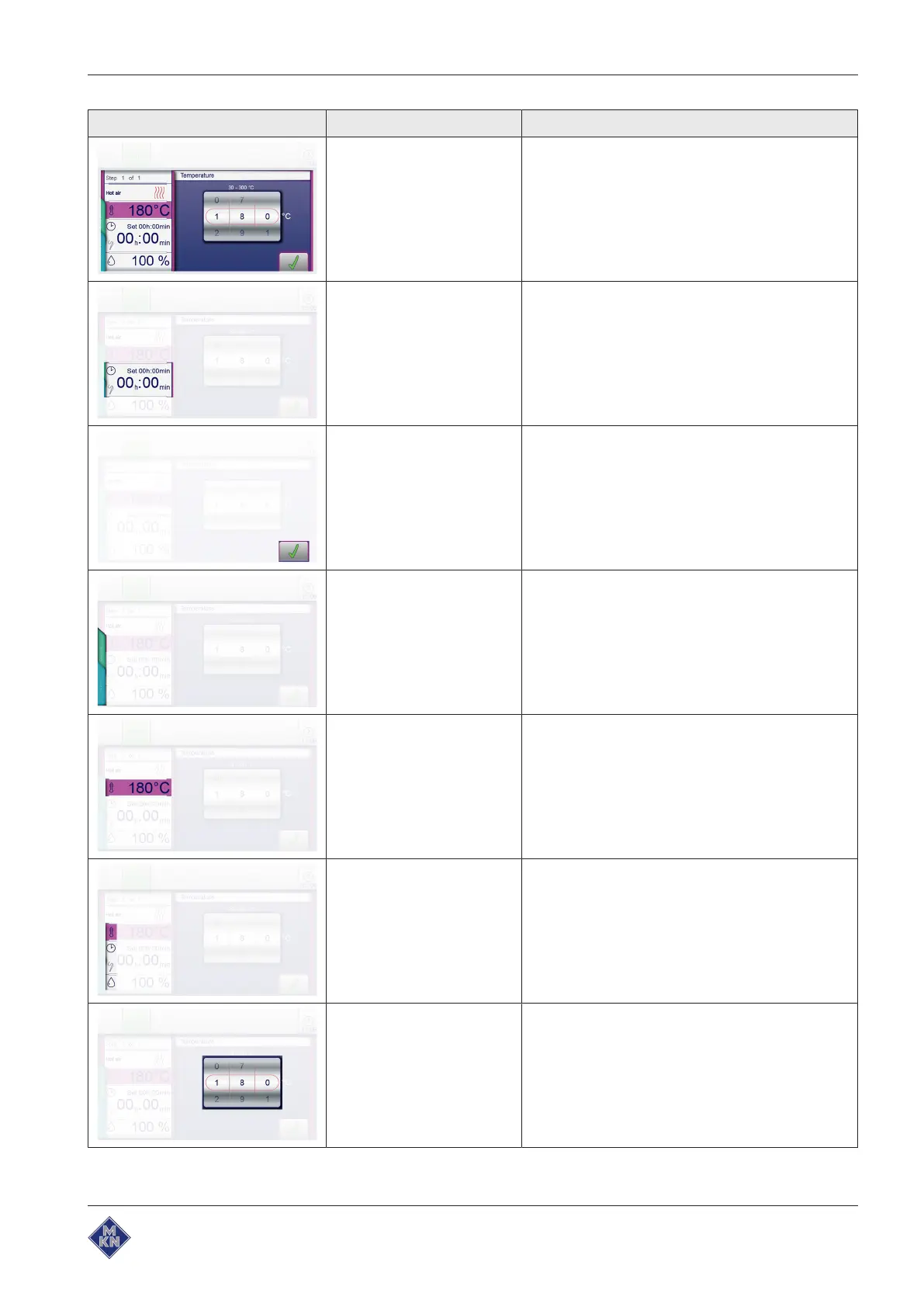
Symbol Display element Function
Window Windows have a coloured border and are opened
from menus or higher-level windows.
Functions are executed and settings displayed in
windows.
Depending on the function, there are several win-
dow types, for instance, Find.
Field Fields are areas in windows or menus defined by
separating bars.
Tapping fields opens functions and settings.
Button Buttons are areas enclosed by borders in windows
or menus.
Tapping buttons confirms settings. Buttons control
functions and are used to navigate in menus and
windows.
Tab A
blue
and a
green
tab are located on the left side
of the touchscreen. The tabs are available only in
the cooking step display.
Tapping the tabs offers quick access to equipment
functions and cooking program functions.
Display Displays are information-containing areas in win-
dows.
Displays show entries and current information
some of which may be operated by tapping.
Symbol Symbols are graphical elements in windows and in
the toolbar.
Symbols indicate current states and possible func-
tions some of which may be operated by tapping.
Roller Rollers are areas where settings can be made by
means of wiping gestures.
10015160-0ABBE--



 To Next Page