Operating the unit
29Operating instructions
1. Use a hand drill to make a hole for inserting the sensor.
2. Place the food to be cooked on the baking sheet or into the
cooking pan.
3. Place the cooking sheet or cooking pan into the unit.
4. Insert the core temperature sensor into the food being cooked.
5.5 Making the basic settings
The basic settings for operation can be displayed and changed by
entering the password "111".
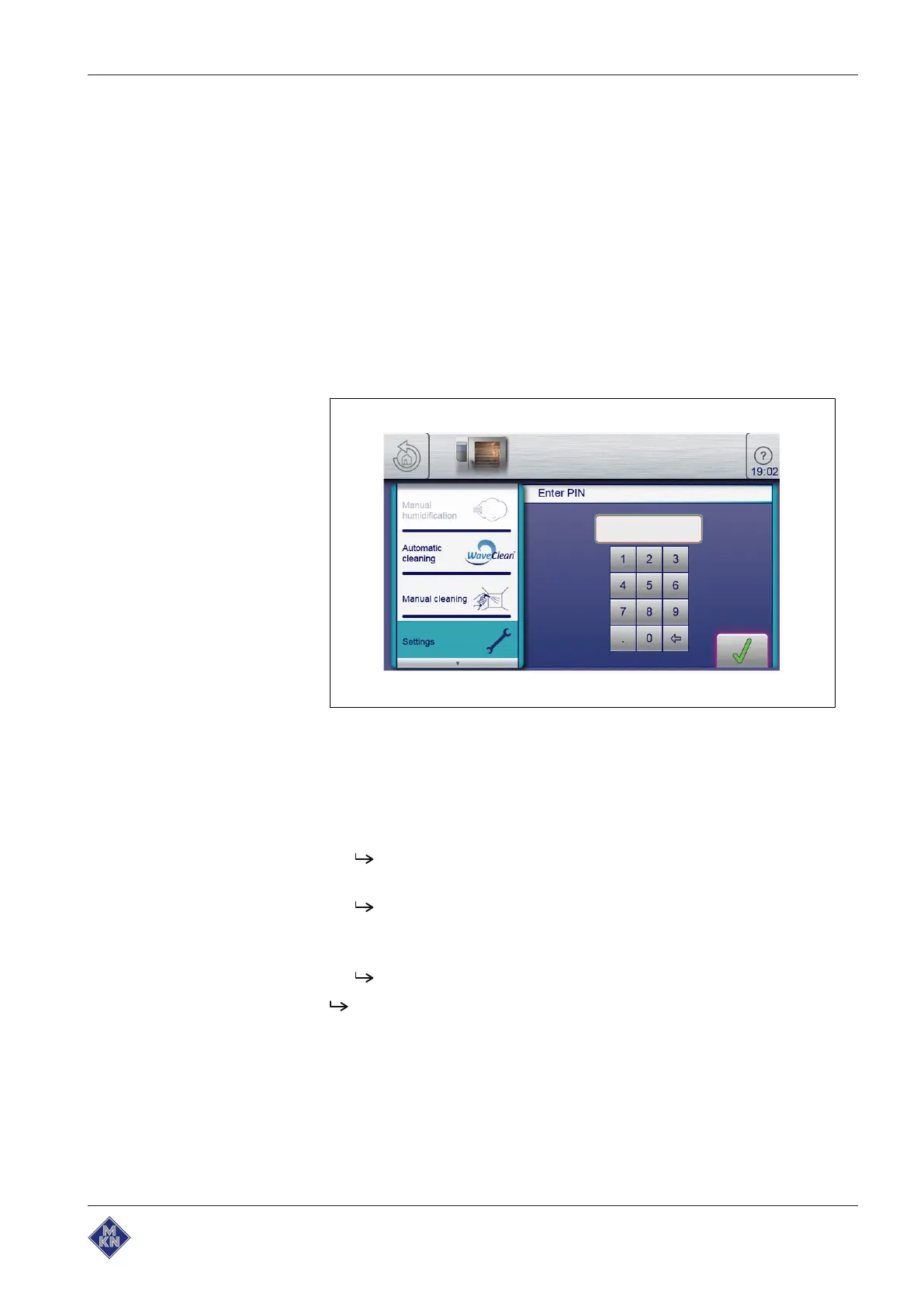
5.5.1 Opening the Setting menu
Image: PIN entry window
Requirement
The unit is on
The main menu is displayed
1. Tap the "Equipment functions" button.
The
Equipment functions
menu is displayed.
2. Tap the "Settings" field.
The
PIN
window opens.
3. Enter the password.
4. Tap the
Confirm
button.
The
Equipment settings
menu is displayed.
The basic settings can be changed.
The unit has default settings when it is delivered.
These fields can be modified in the " Setting" window:
•
Equipment information (may only be opened)
•
Export HACCP
•
Settings for favourites
•
CombiDoctor
10015160-0ABBE--



 To Next Page