Cleaning and caring for the unit
61Operating instructions
6.12 Rinsing the cooking zone door with AutoShower
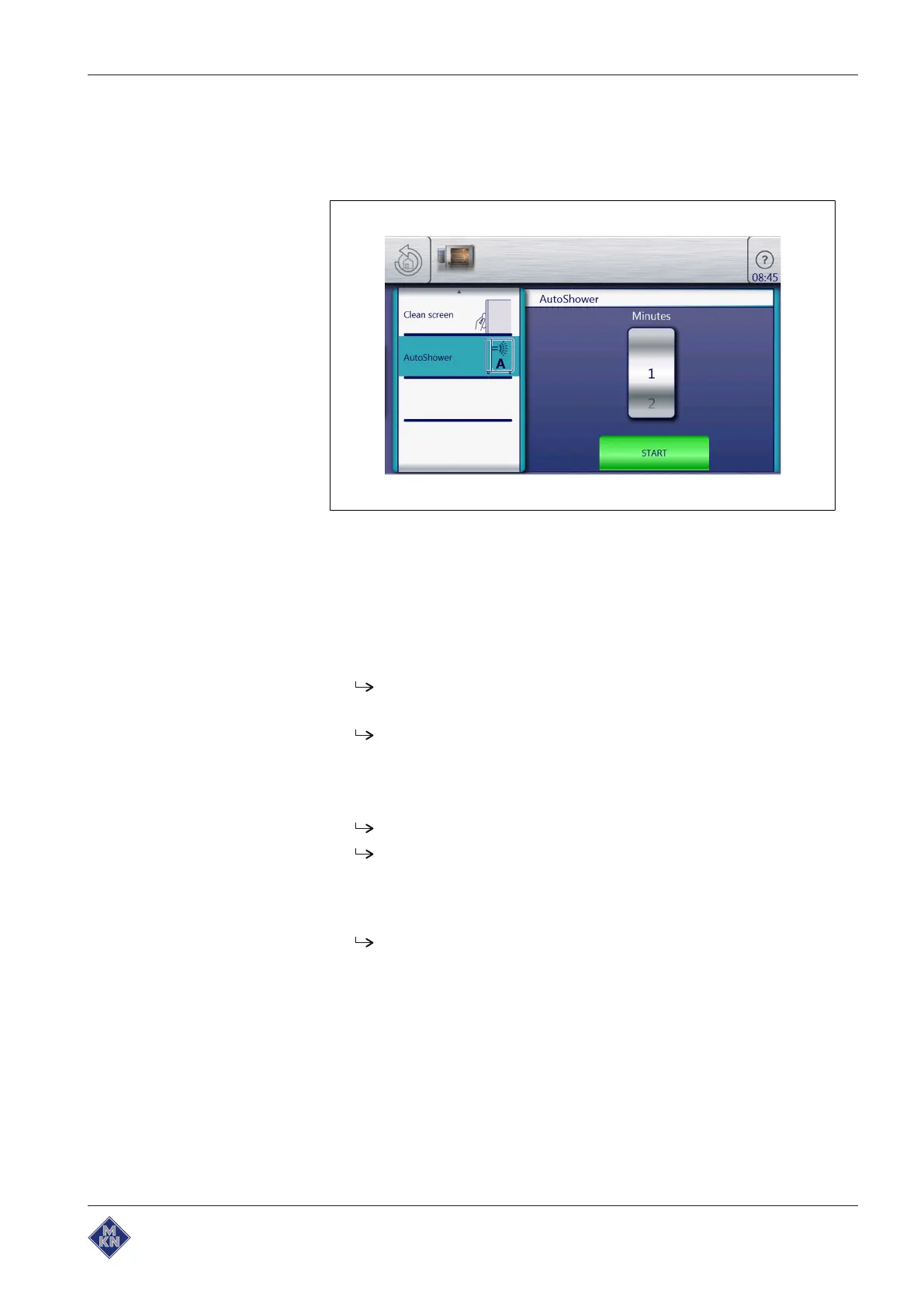
6.12.1 Starting AutoShower
Image: Starting AutoShower
Requirement
The unit is on
Main menu is displayed
Cooking zone temperature less than 70 °C
1. Tap the "Equipment functions" button.
The
Equipment functions
menu is displayed.
2. A wiping gesture upward opens the next page.
The next page is displayed.
3. Tap the "AutoShower" field.
4. Using a wiping gesture, set the roller to the desired duration.
5. Tap the "Start" button.
The "Start" button changes to the "STOPP" button.
AutoShower starts.
6.12.2 Stopping AutoShower
1. Press the "STOPP" button or allow time to elapse.
AutoShower stops.
10015160-0ABBE--



 To Next Page