Operating the unit
42 Operating instructions
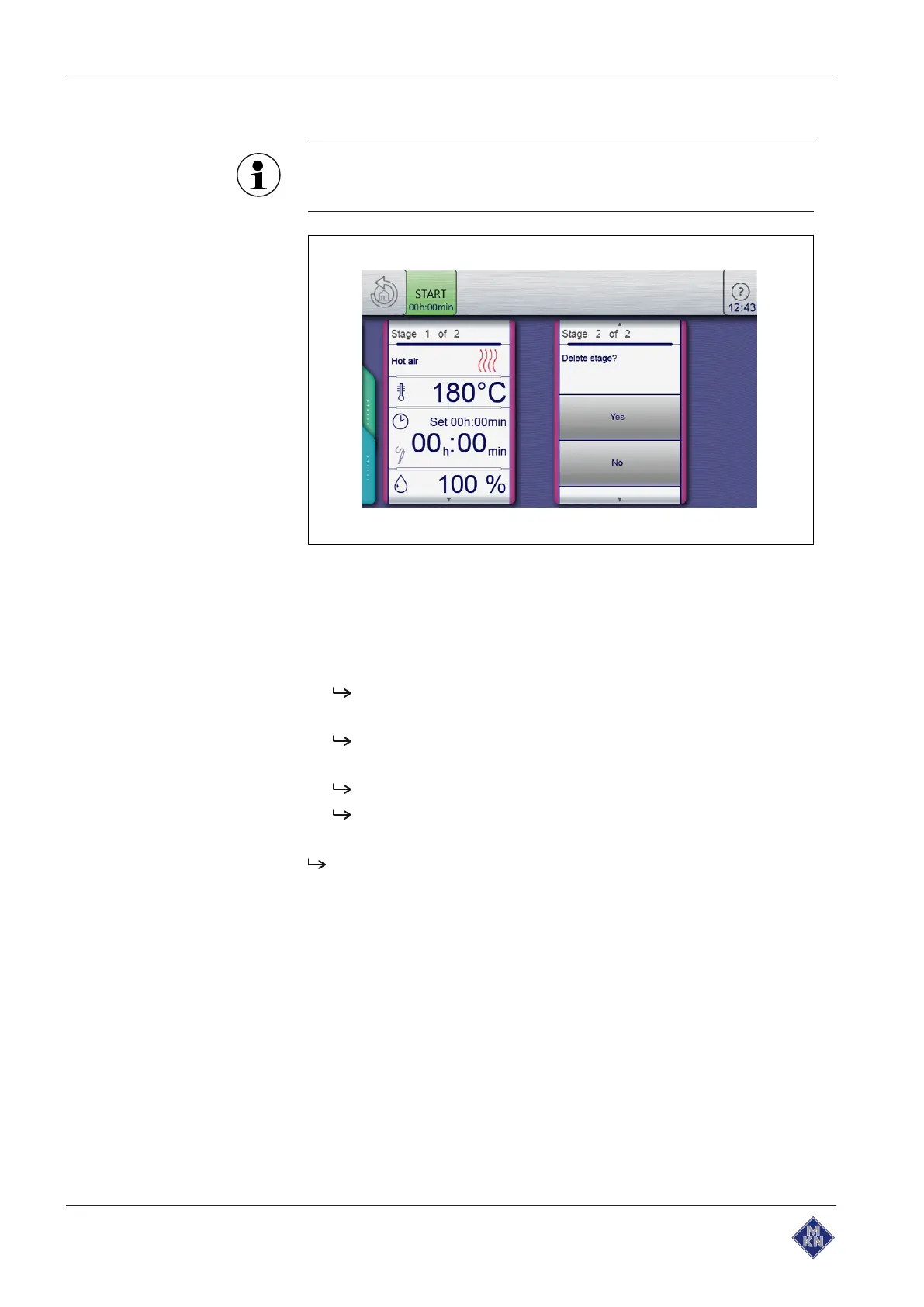
Deleting a cooking program step
If a cooking program has only one step, it cannot be deleted.
The function is not active.
Image: Deleting a step
Requirement
Cooking program is created and is open
1. Select the step.
2. A wiping gesture upward opens the next page.
The next page for the step is displayed.
3. Tap the "Delete step" field.
The
Delete
window is displayed.
4. Tap the "Yes" button.
This deletes the step.
The positions of the remaining steps in the cooking program
are updated.
The step is deleted.
10015160-0ABBE--



 To Next Page