Getting Started
23
Using the Smart Card
Your tablet PC is equipped with a built-in smart card reader that allows you to
make secure purchases, store security information, and provide identification and
information using a smart card.
Inserting a Smart Card
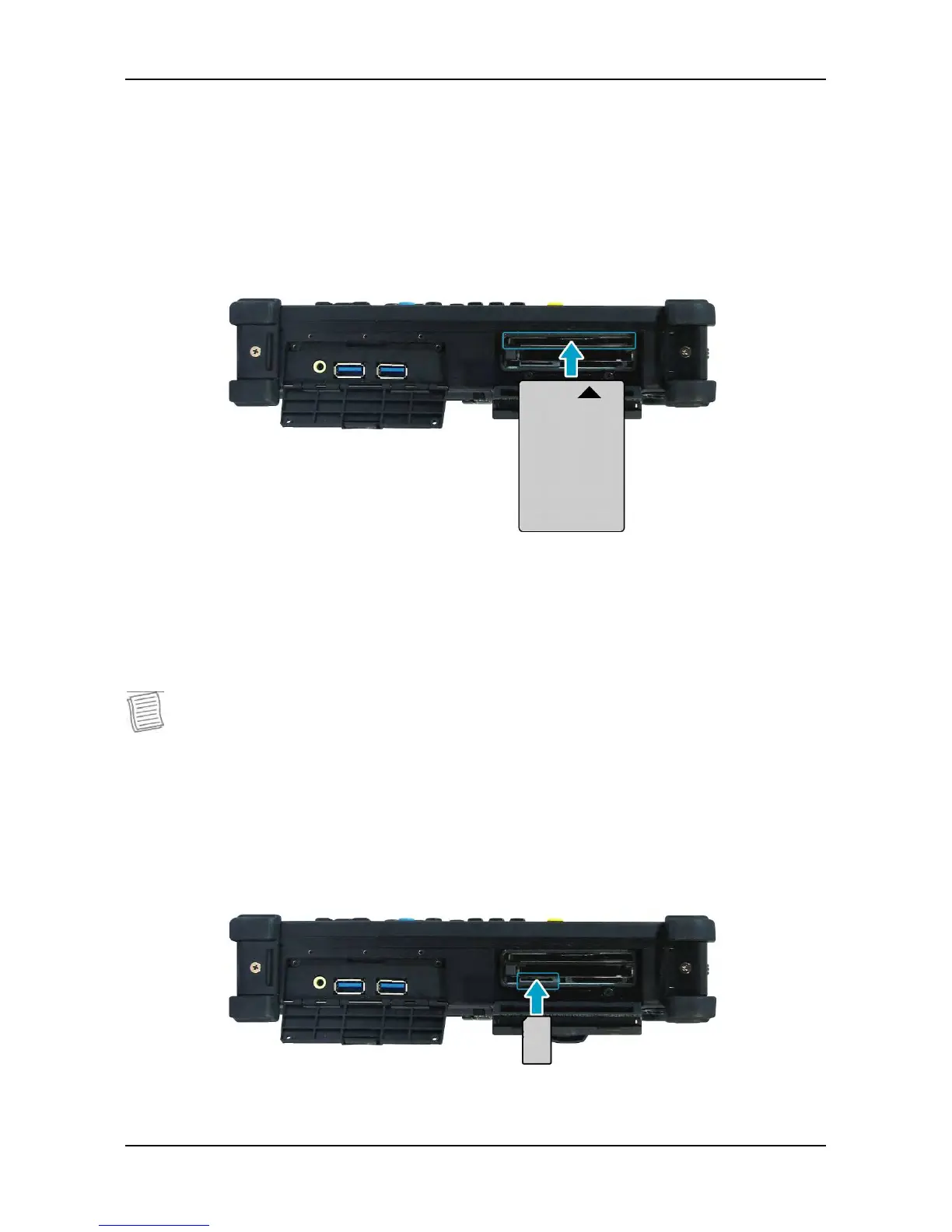
Insert a smart card into the smart card slot.
Using the SIM Card
You can use a SIM card for wireless internet access.
NOTE
• Check the availability of service and plan rates of data connection with your
network service provider.
Inserting a SIM Card
Insert a valid SIM card into the SIM card slot until it clicks into place.



 To Next Page