Power Management
29
Power Management
This chapter will guide you on how to manage the system power.
Using the Power Plan
To improve energy efficiency, you can use the power plan to reduce the amount
of power your tablet PC uses, maximize the performance, or balance the two.
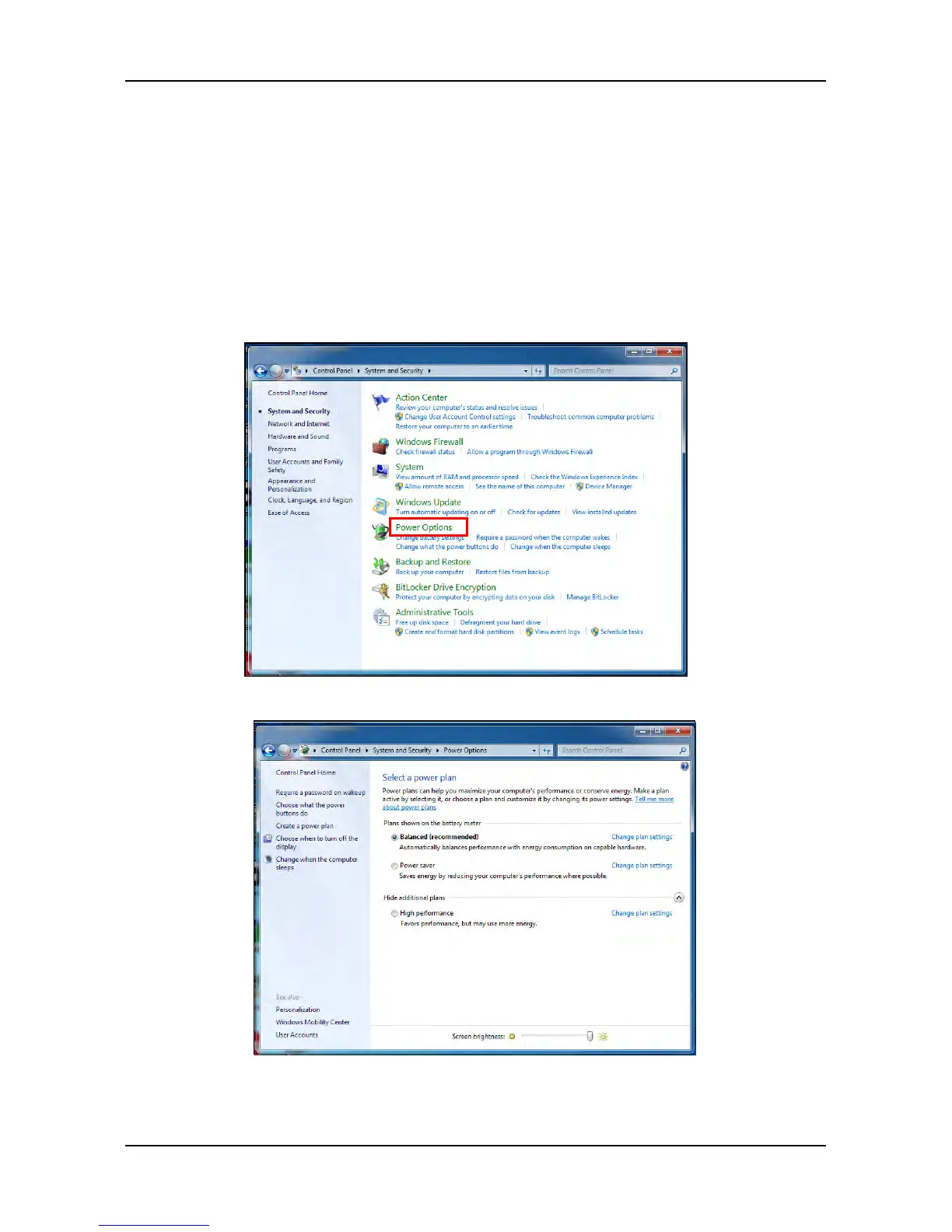
1. Tap Start > Control Panel.
2. Select System and Security > Power Options.
3. Select a power plan.
4. To adjust the selected power plan settings, tap Change plan settings.



 To Next Page