Power Management
30
Using the Power Saving Mode
When you are not using the tablet PC, turn off the tablet PC or set the tablet PC
to enter sleep mode.
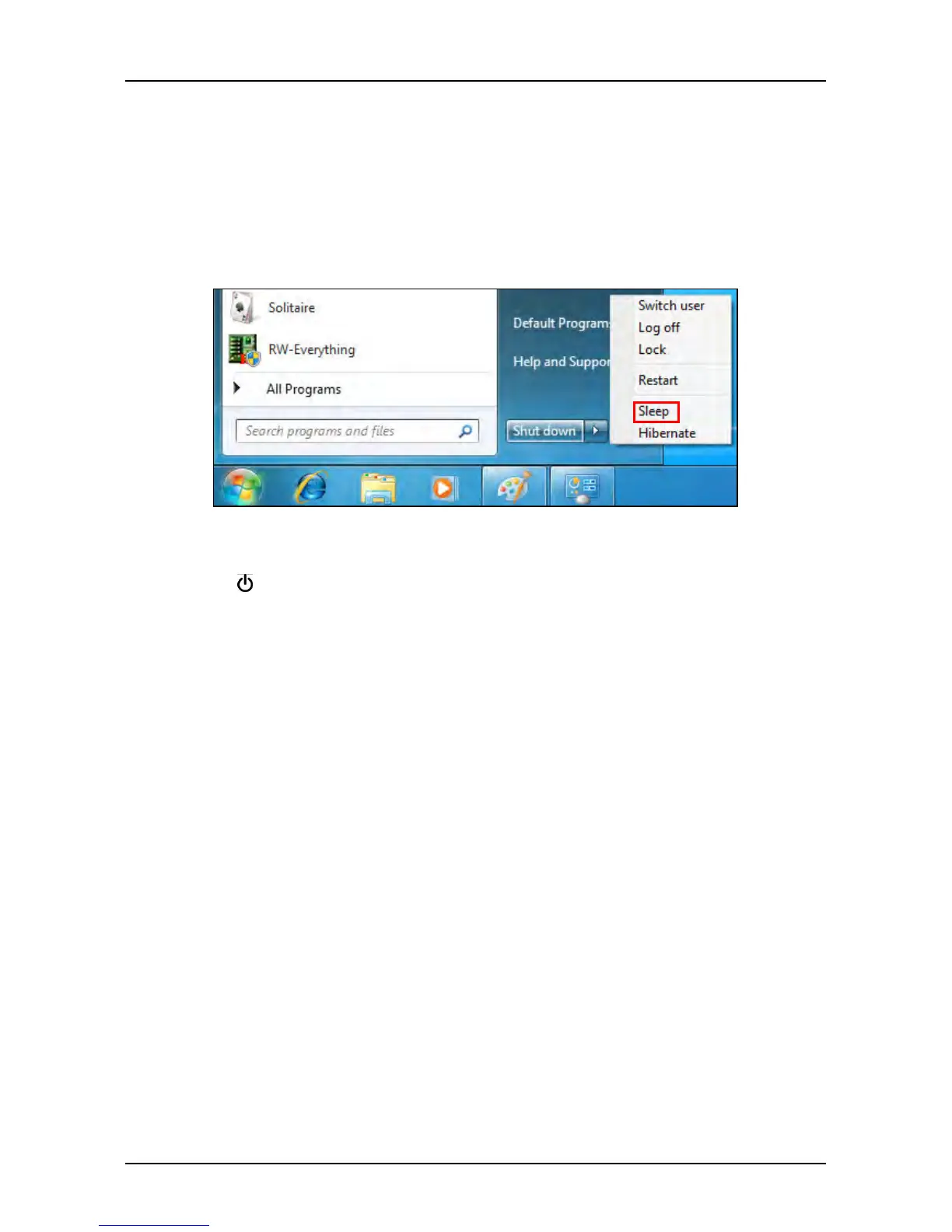
To set the tablet PC to enter sleep mode, follow the steps below:
1. Tap Start.
2. Select Shut down > Sleep.
To wake up the tablet PC from sleep mode, do one of the following:
• Press the
button.
• Press any key on the external keyboard.



 To Next Page