Making Connections
25
Making Connections
This chapter will guide you on installing peripheral devices to maximize the use
of your tablet PC.
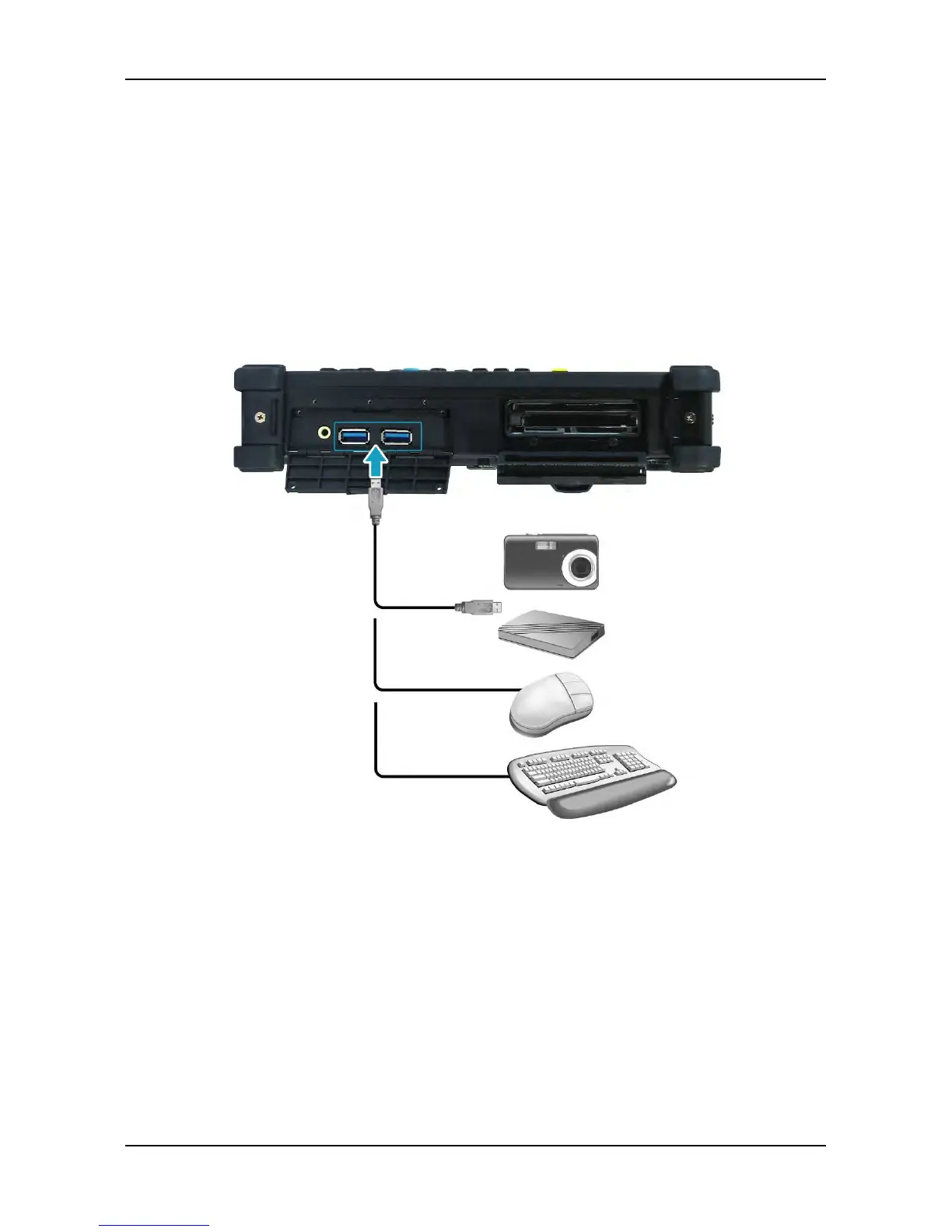
Connecting USB Devices
You can connect your tablet PC to other USB devices, such as a mouse,
keyboard, digital camera, printer, or an external hard disk drive.
1. Connect one end of a USB cable to the USB port of your tablet PC.
2. Connect the other end to the USB device (if necessary).



 To Next Page