Making Connections
26
Connecting Peripheral Devices
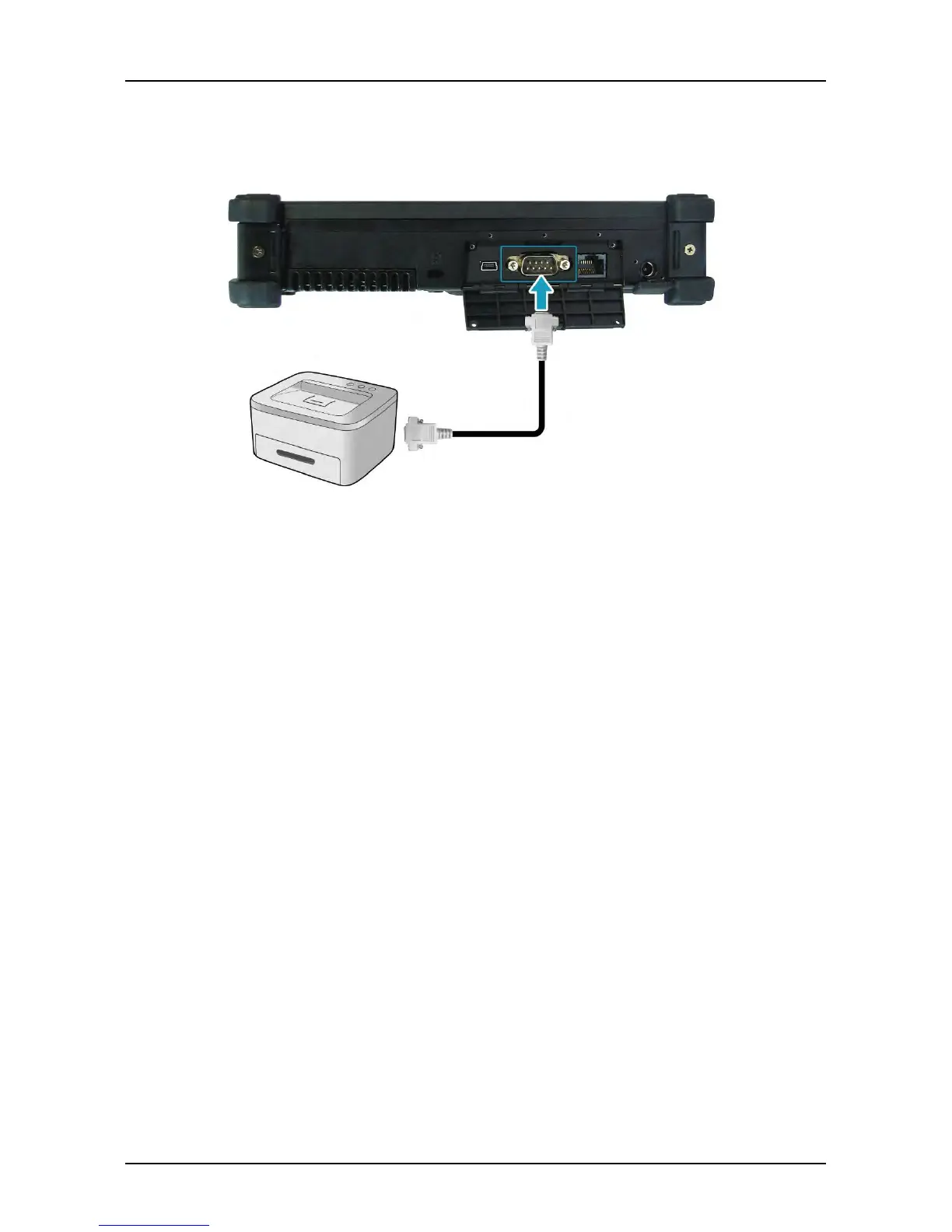
You can connect your tablet PC to other peripheral devices, such as a printer or
other device with serial port.
1. Connect one end of an RS-232 cable to the RS-232 port of your tablet PC.
2. Tighten the two screws on the side of the cable plug.
3.
Connect the other end to the RS-232 port of a printer or other peripheral
device.



 To Next Page