Page 16 of 46
Help
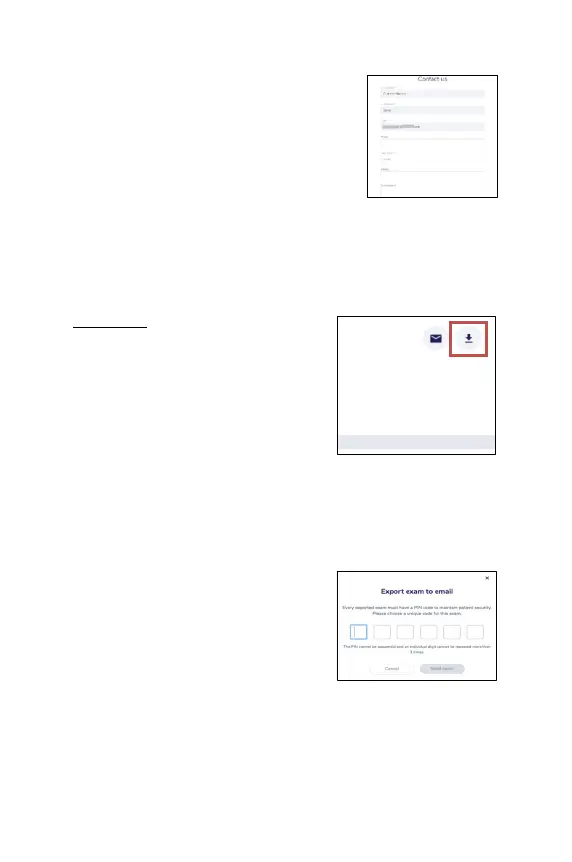
The help button allows you to send a support
request to the MobileODT support team. Enter
all the details requested on the support form
that opens.
Export & Download
Export to PDF
In the exam page the options to export or
download a PDF is available.
1. A 6-
digit PIN code is requested to ensure
the PDF file of the examination will
remain secure. The PIN cannot be
sequential, and an
be repeated more than 3 times.
2.
After setting the pin, the PDF will be sent
to the user’s email or downloaded to the
computer.
3. In order to view the exam PDF file, the user will need to enter the code
they had previously selected.
Option 1- Export exam to email:
Upon choosing this option, the user will
receive a link to their
exam can be downloaded.



 To Next Page