Page 20 of 46
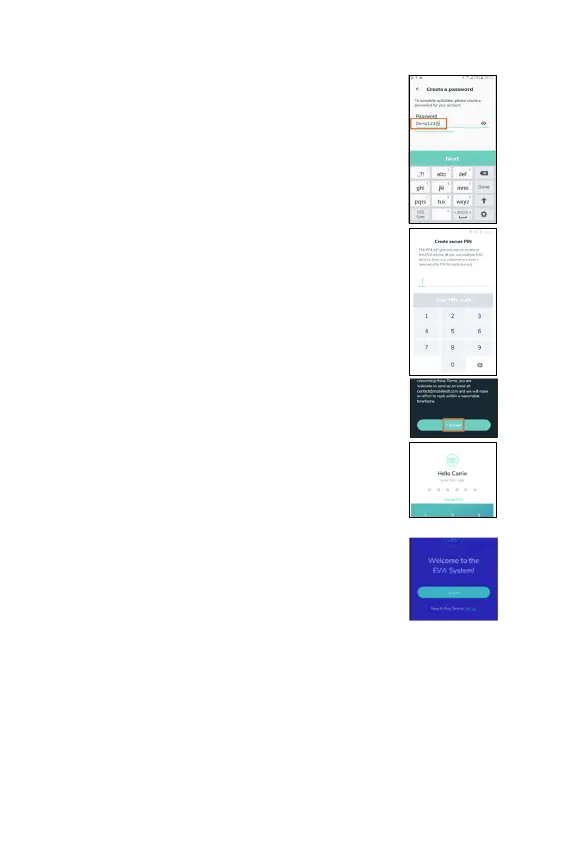
7 Set a password -
the password requires a minimum
of eight characters including a capital letter, a
lowercase letter and one number. T
password will allow you to access the EVA System
including the EVA portal.
8. Create a 6-
digit secure PIN. The PIN will give you
secure access to this particular EVA device. T
‘Save PIN’.
9.
Read and accept the terms of use before using the
app. Click on ‘I Accept‘.
10.
You will be directed to the login page. Enter your PIN
to enter the application.
Log in (existing user)
1. Tap ‘Log in’.
2. Enter email and password for the EVA System. T
on ‘Next’.
3. Log in with PIN/Password while online or offline.
Global sign out
1. There is a limit to the number of active connections to the EVA System (either
to multiple EVA devices or to the EVA Portal from multiple locations) that can
be maintained by one user.
2. When a user attempts to initiate a tenth active connection, they are required
to log out from all active sessions (global logout).



 To Next Page