Page 23 of 46
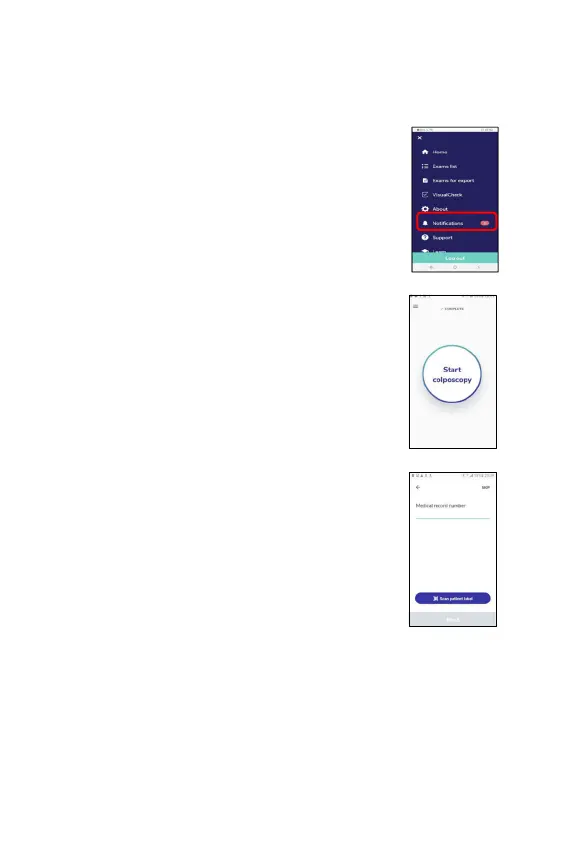
Users are alerted that they have unread notifications
when they open the EVA device, by a red dot appearing
on the Main menu icon on the top left.
When they enter the Main menu, an alert appears next to
the Notification listing.
To read notifications, tap
on the Notification listing in the
main menu.
Performing an exam
Press ‘Start colposcopy’.
Enter identifying patient information
For each patient, you can enter the following fields:
Medical Record Number (MRN), first name, last name,
date of
birth (or age if date of birth is unknown,) and a
contact phone number.
If a medical record number is entered, the subsequent
fields can be skipped.



 To Next Page