Page 30 of 46
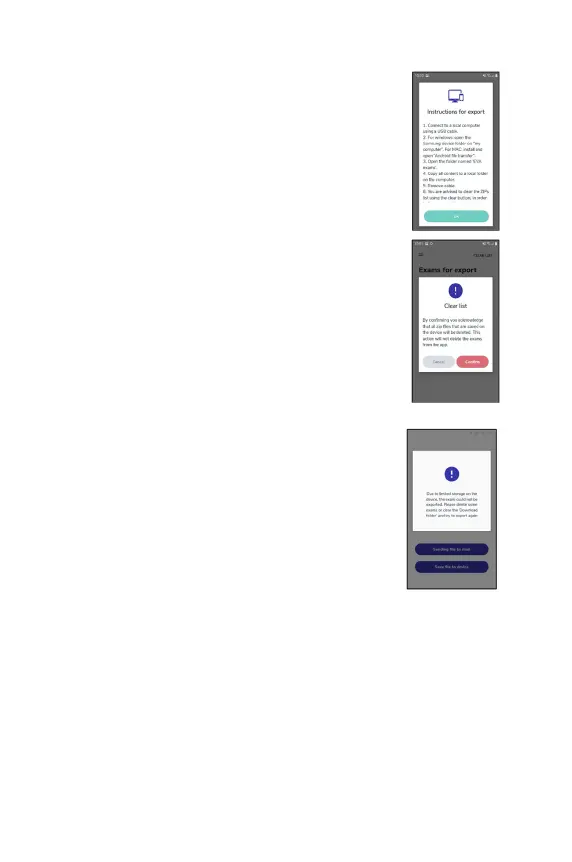
The ‘Instructions for export’ explain what should be done
in order to export the exams from the device using a USB
cable.
In order to clear this list, which will clear up space in the
external folder of the device, the user should click the
‘Clear list’ button.
Limited storage preventing export
If the internal EVA Device storage is at maximum
then it will not be possible to export any more files to ZIP
format until the storage is cleared and more space
available. In this case, a warning popup will be displayed
advising the user to return to either the Exams for export
or Exam lists and delete exams.
It is advisable to remove exams in ZIP format from the
device after they have been manually exported via USB to
a local computer to ensure that there is free space on the
EVA device.
Reviewing exams on the app
To view examinations from the past 24 hours or to see the process of uploading
examinations to the EVA Portal, tap on the menu button the top left in the home
screen and tap on ‘Exams’.



 To Next Page