Page 31 of 46
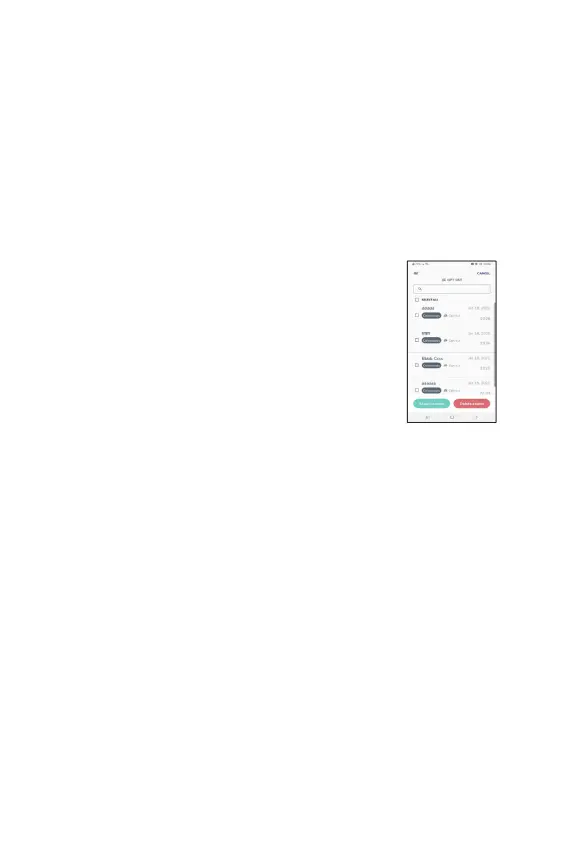
The Exams list shows exams created in chronological order with the most recent
at the top. An icon next to each exam indicates the sync status (upload to the EVA
online portal)
One of four options might be shown; draft (if the exam has not yet been
completed,) In progress (if the exam is in the process of being synced,) uploaded
(if sync is completed), or Opt-out (if exam was taken while being opt-out).
A USB symbol next to exam (in any state) indicates that an exam has been
exported to the ZIP folder and ready to be exported manually via USB connection.
To view any exam on the
device, click on any of them and
the system will redirect to edit the exam.
Search bar is available on top of the exam list. Exams can
be searched by patient’s Name, Last name or MRN.
No sync icon will be shown next to exams taken while in
Opt-out
mode. An icon at the top of the screen will
indicate that the device is currently in opt-
icon will still indicate those exams that are ready for
man
ו
al export via USB.
Exams can be selected for export to ZIP (for manual export via USB) or deletion by
clicking on the ‘Select’ button at the top right of the screen. Individual exams can
then be selected for export or deletion from the device.
● Any exams that have previously been synced to the EVA Portal will still be
saved on the Portal even if they are deleted from that particular device. Any
exams captured in Opt-out mode or that have not been synced, will be
permanently deleted from the system and cannot be retrieved. It is advisable
to ensure that exams have been backed up either by manually or by syncing
to the EVA Portal before deleting from the EVA Device.
● Only exams that have been completed can be selected for export to ZIP.
Exported exams can be reached via the main menu under “Exams for
export.”



 To Next Page