Mobileye 5 – Technical Installation Guide_Rev 0.3
Mobileye Proprietary and Confidential
support@mobileye.com
5. Connect the Mobileye 5 EyeCAN cable (6 pin male connector – CAB000105)
to the EyeCAN Unit (6 pin Female connector labeled “CAN”).
6. Connect the EyeCAN unit USB connector to the Laptop Computer USB port.
7. Power On the laptop computer.
8. Power on the Mobileye 5 system by turning on the vehicle ignition switch to
ACC (Accessory) position.
9. Run the Mobileye Setup Wizard Application
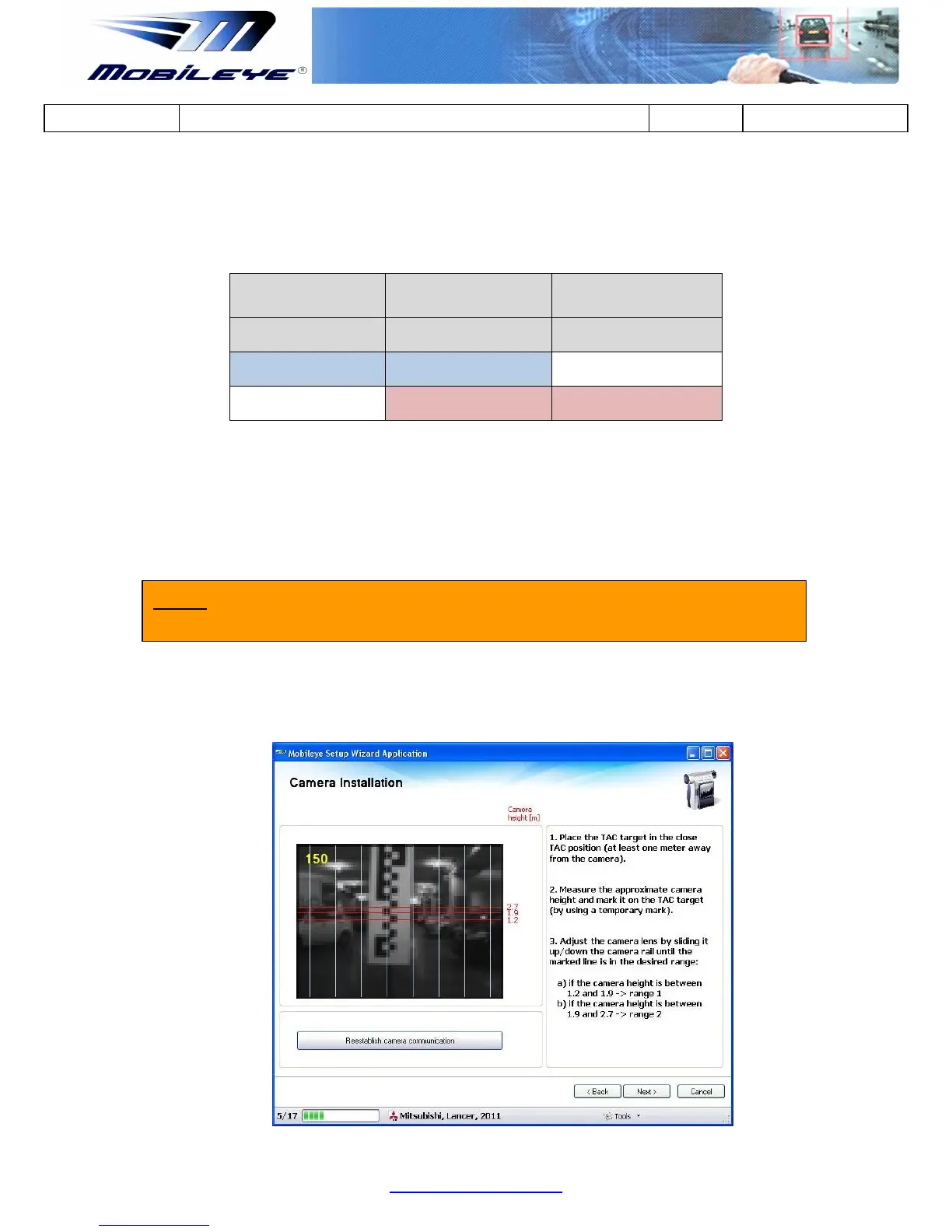
10. After connecting successfully, you should see the Camera image in the “Camera
Installation” window of the Mobileye Setup Wizard.
NOTE: Chose the vehicle from the Internal Database in the Mobileye Setup Wizard
application before continuing (see Appendix F for more details).



 To Next Page