Mobileye Proprietary and Confidential
support@mobileye.com
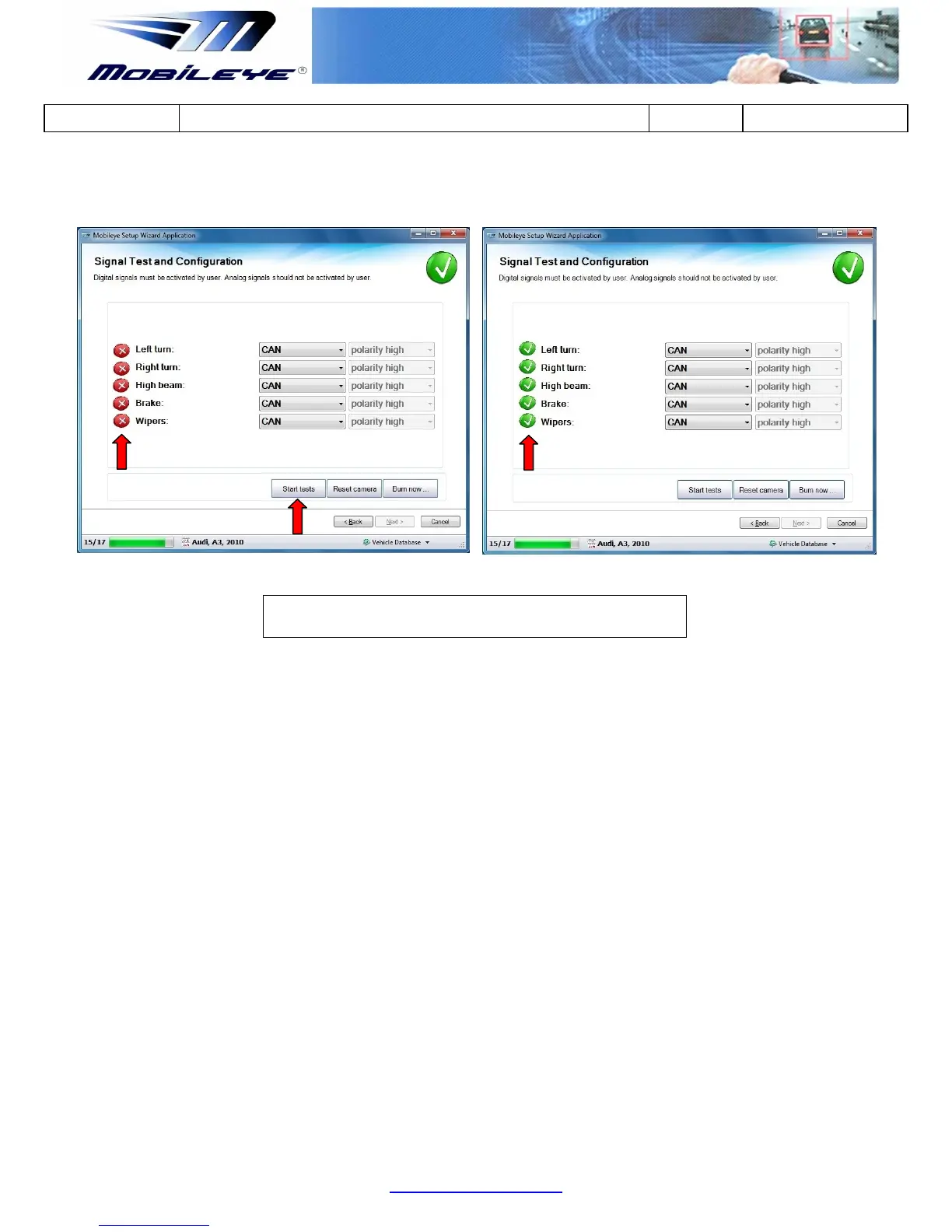
Only when all signals are labeled with a Green Check Icon beside them, may you
proceed to the next stage.
4.3.9 Test Drive
In the "Test Drive" Slide you need to verify the following:
1) Verifying Connection to Vehicle Signals
2) Verifying Speed Indication
4.3.9.1 Verifying Connection to Vehicle Signals
You must check the vehicles signals before leaving the installation site:
1. Turn on your vehicle left signal: the left signal indicator should turn Green.
2. Turn on your vehicle right signal: the right signal indicator should turn Green.
3. Press on the brake pedal: the brakes signal indicator should turn Red.



 To Next Page