Notifications
View notifications
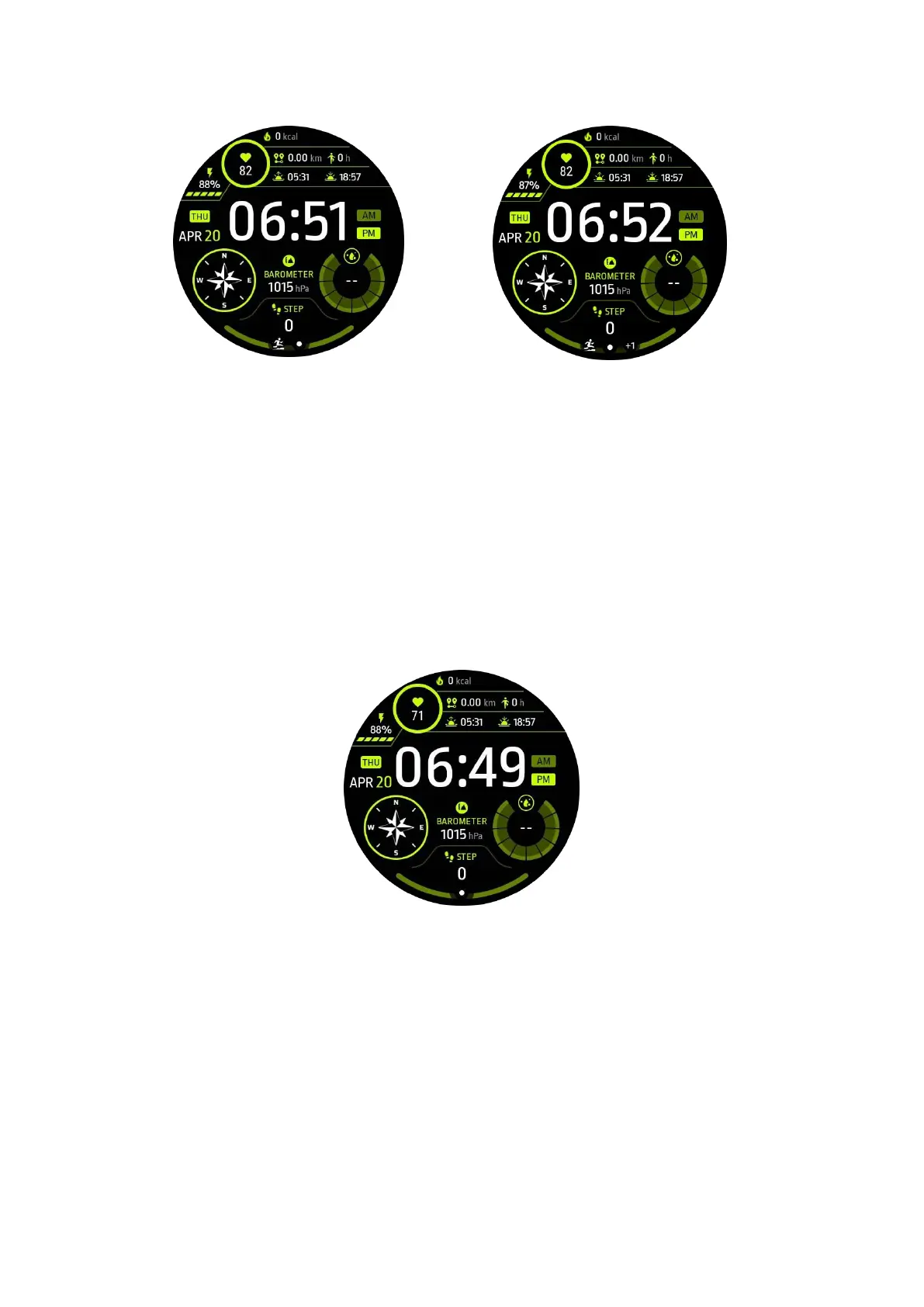
• When there are unchecked notifications such as a new phone notification or a
missed call, a notification indicator will be visible on the bottom of the screen.
• You can swipe upwards to open the notification panel and rotate to view
notifications.
• If the notification indicator does not appear, please open Settings -> General ->
Show unread notification dot to activate it.
Delete notifcations
Swipe to the left or right to delete a notification.
Manage notification preferences
On your watch
Go to Settings -> Apps & notifications -> Notifications
On your phone



 To Next Page