•
Launch the Mobvoi Health app on your smartphone
• Go to Device -> Settings -> Apps & notifications
App list
Edit application list
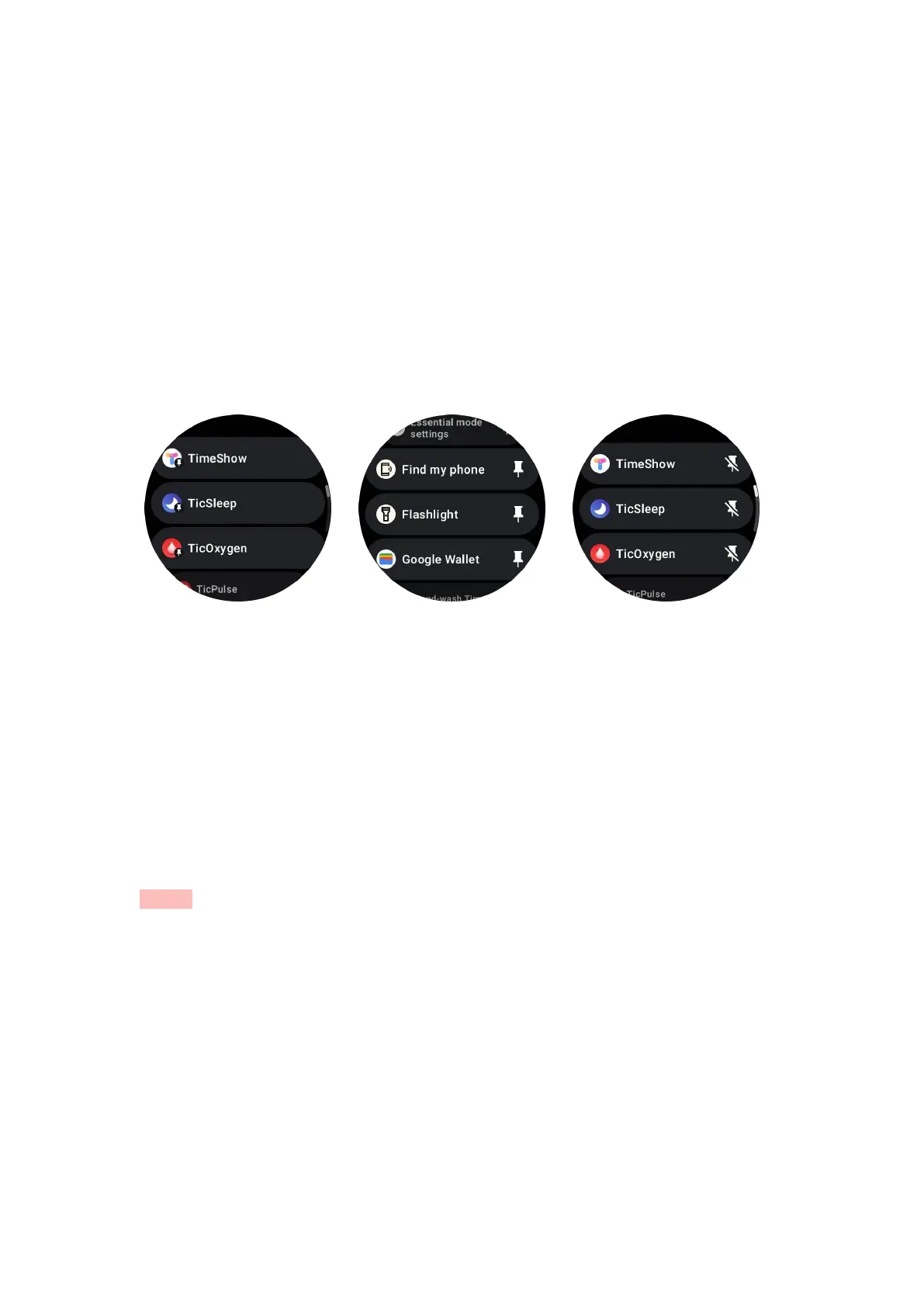
• Press the rotating crown to enter the application list menu
•
Long press on an application to enter editing mode
• Tap the "pin" icon to make the current application stay at the top of the list.
• Tap again to unpin the application.
Ultra-low-power (ULP) display
What is the ULP display?
The ULP display is an ultra-low-power always-on display that can be used to display
time, health, and fitness data.
The newly designed ULP display can show more information and with the concept of
ULP tiles introduced, it enables quick measurement or viewing of health and fitness-
related data without entering the system.
Notes: ULP display does not represent Essential mode. It will be displayed in both
Smart mode and Essential mode.
The UI of the ULP display



 To Next Page