The operations of the ULP display
How to turn on and off the backlight?
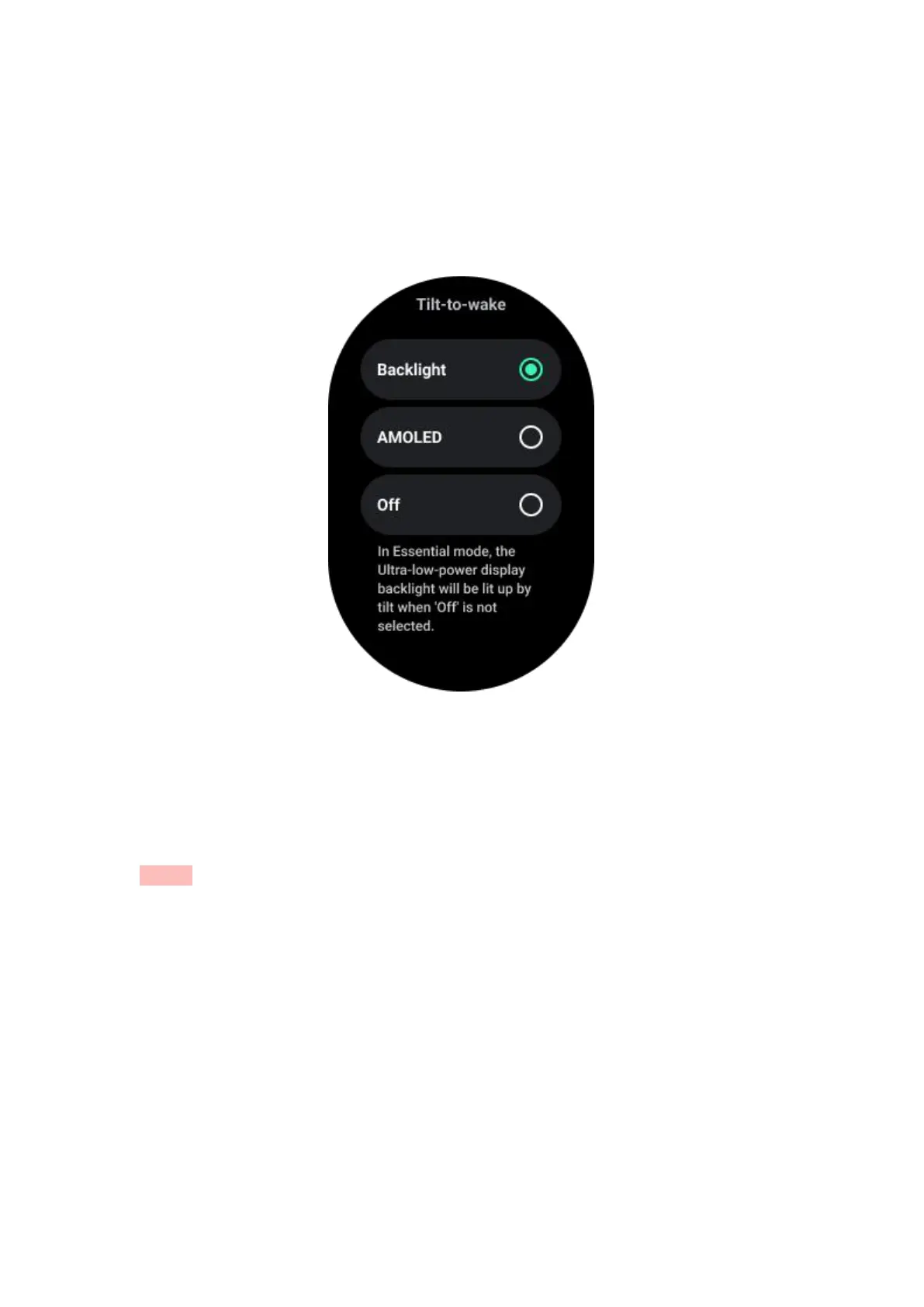
The Tilt-to-wake backlight option is ON by default.
Please go to "Settings -> Display -> Tilt-to-wake" for details.
Generally speaking, there are two ways to light up the backlight: raising your wrist or
rotating the rotating crown more than 180 degrees. And the backlight will
automatically turn off when timeout or when you lower your wrist, and the ULP
display will be locked to prevent accidental operations.
In Essential mode, you can also turn the backlight on or off by clicking the Side
button.
Notes: when Bedtime mode or Theater mode is enabled, raising your wrist will not
activate the backlight.
How to disable tilt-to-wake backlight?
If you only want to temporarily disable the tilt-to-wake backlight, you can enable
Bedtime mode or Theater mode.
If you want to disable this feature permanently, choose the "Off" option in the Tile-to-
wake settings.



 To Next Page