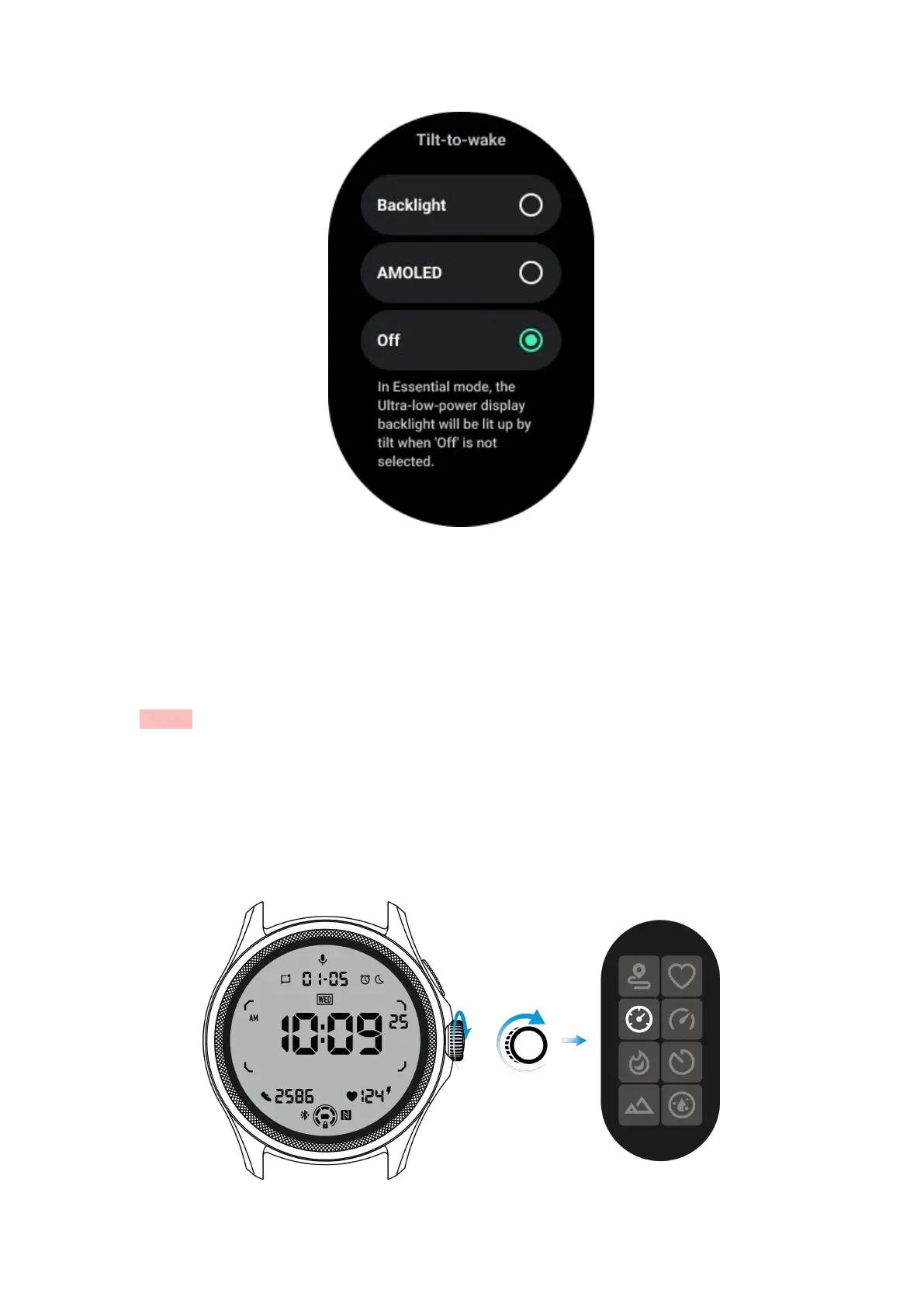
How to unlock/lock the ULP display?
To unlock the ULP display, you should continuously rotate the rotating crown
clockwise or counterclockwise for more than 180 degrees.
By lowering your wrist or timeout, the ULP display will automatically be locked to
prevent accidental operations.
Notes: The compass ULP tile will only be automatically locked after 1 minute. If you
keep this tile active, please be aware that lowering your wrist directly may cause
accidental operations.
How to switch ULP tiles?
After unlocking the ULP display, rotating the crown clockwise or counterclockwise will
sequentially switch ULP tiles in ascending and descending order.



 To Next Page