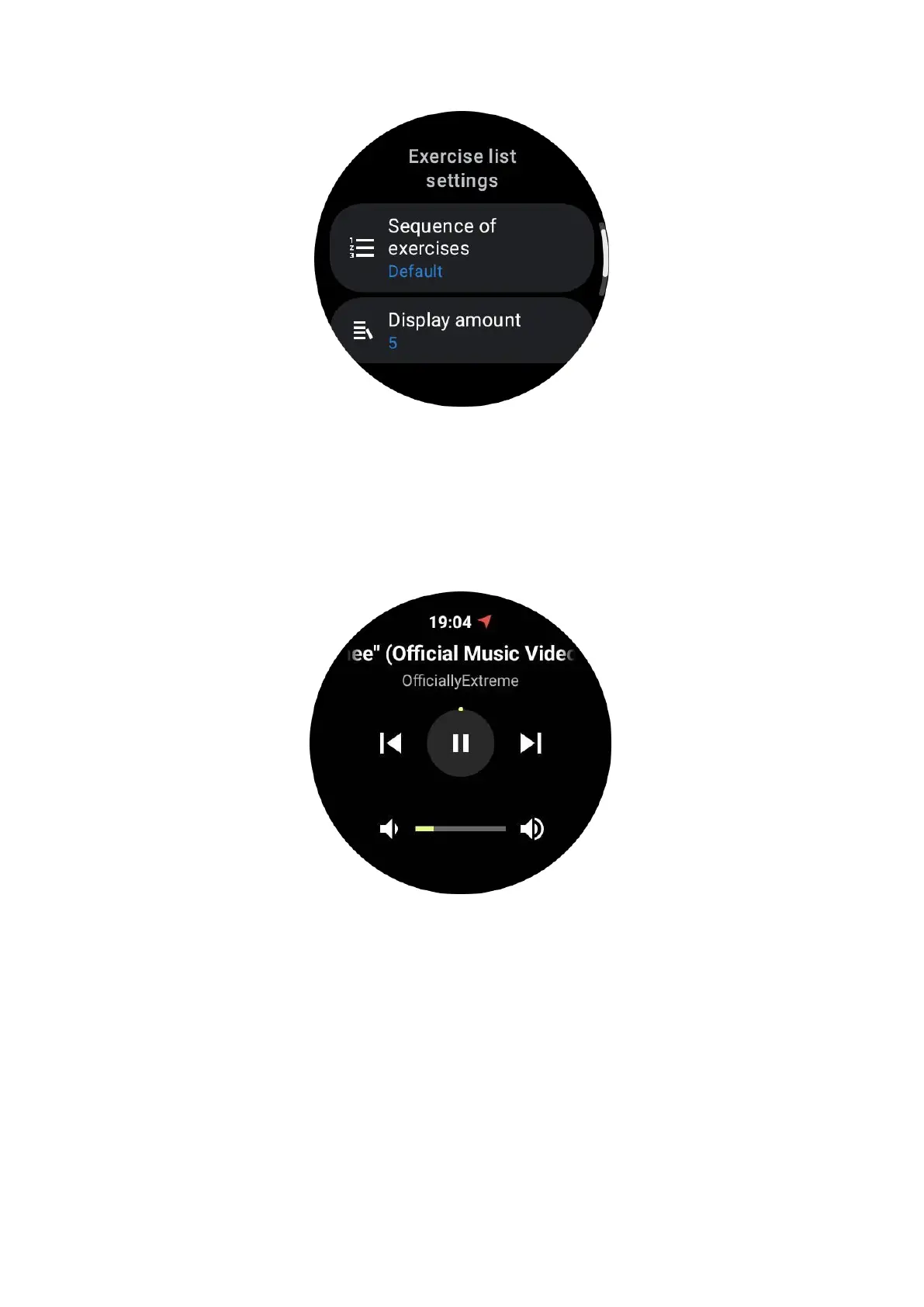
Music Control while exercising
During exercise, you can swipe left to switch to the music control card, where you
can control music playback, pause, skip to the previous or next song, and more.
Note: To control music played on your phone, your smartwatch needs to be
connected to your phone via Bluetooth.
Pause & resume exercise
Manual pause and resume
Swipe right on the exercise screen to switch to the pause page. Here, you can tap on
the pause button to stop the exercise. The interface will display the duration of the
pause. Tap again to resume the exercise.



 To Next Page