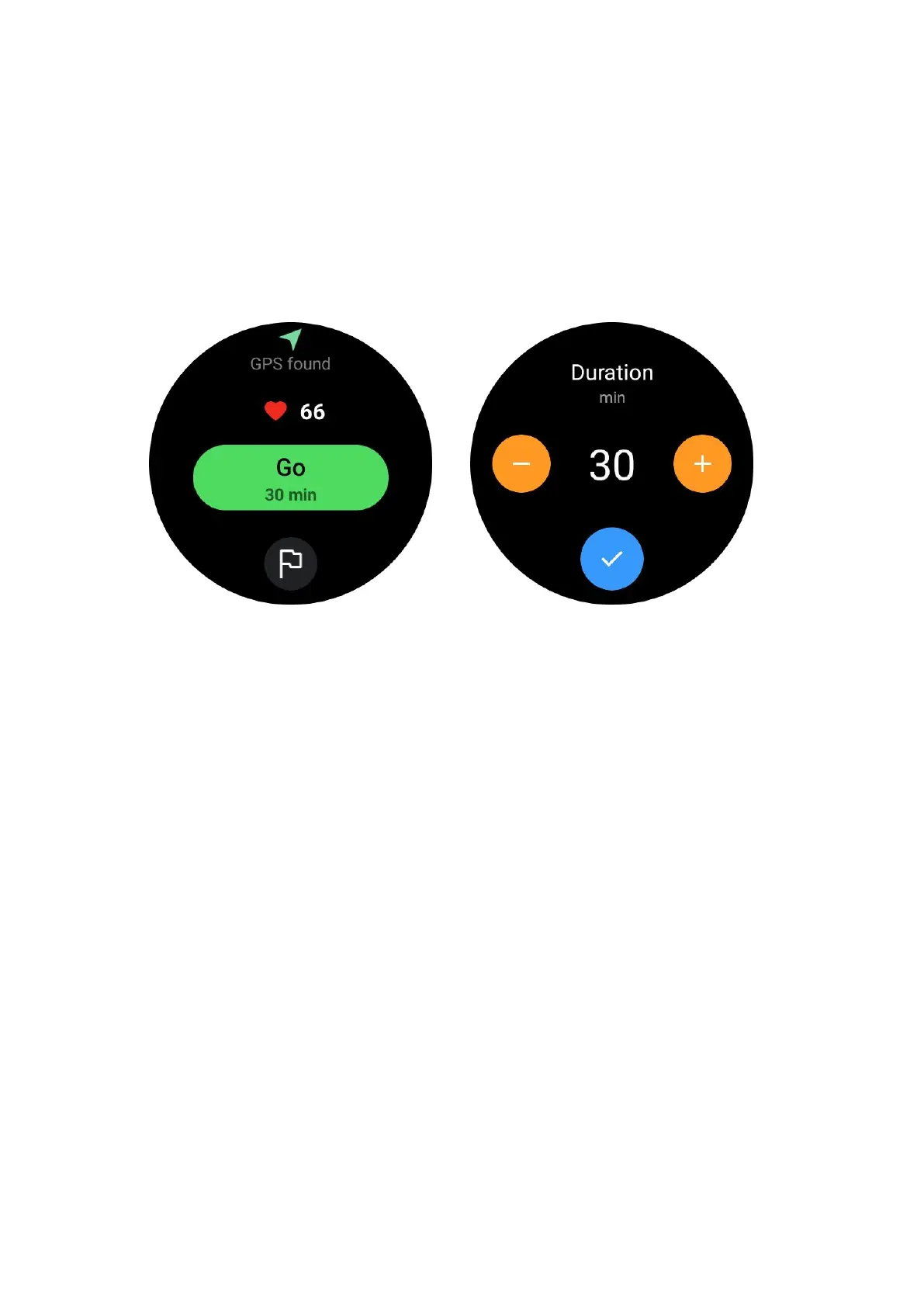
Set exercise goals
•
Tap the icon of the flag
•
You can set goals according to time, calories or distance.
• Use the rotating crown or tap the +/- icon to adjust the values
Different exercise types support different goal type settings. You can check whether
the preset goal is achieved during and after exercises.
Manage exercise types
Tap on "More" to see more types of exercise. We have sorted the list alphabetically
to help you find the corresponding exercise type quickly.
To change the number of exercises displayed on the home page,
go to Settings -> Exercise list settings -> Display amount -> choose the number (5,
10, 15, 20, 50, All)
To change the order in which they are displayed,
go to Settings -> Exercise list settings -> Sequence of exercises



 To Next Page