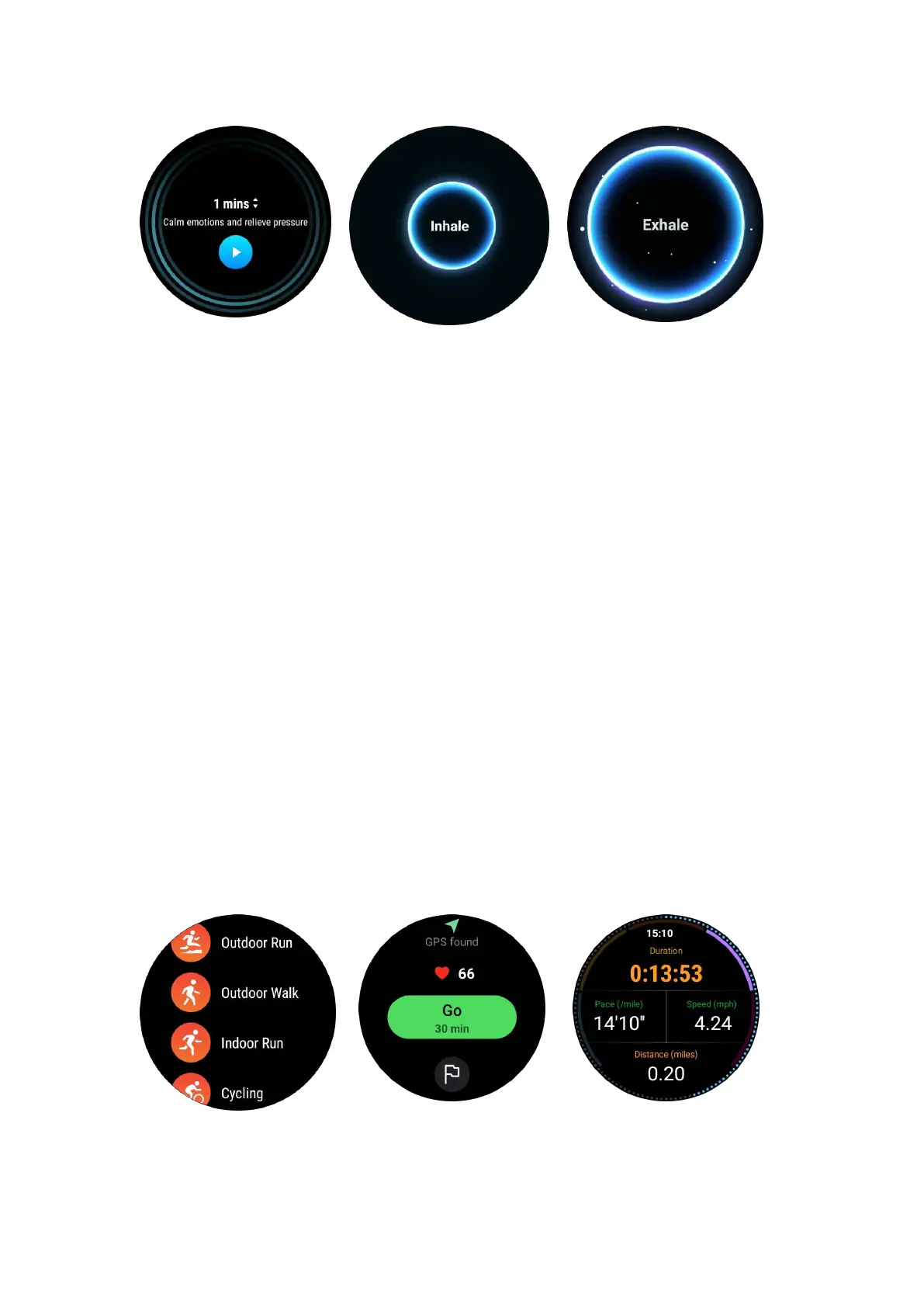
Set the breathing duration
In the “TicBreathe” app, the default duration is 1 minute. Breathing duration increases
by 1 to 5 minutes by clicking the duration.
The duration of the breathing exercise can be adjusted by rotating the crown button
or by touching the "Duration" area.
Fitness features
Start exercises
•
Open the TicExercise app on the watch
• Select the desired sports
• Tap Start to start recording sports data
• Use rotating crown or scroll on the screen to view more data while exercising
• To end the exercise, you can slide to the right and touch the "End" button to end
the exercise and save the exercise data.



 To Next Page