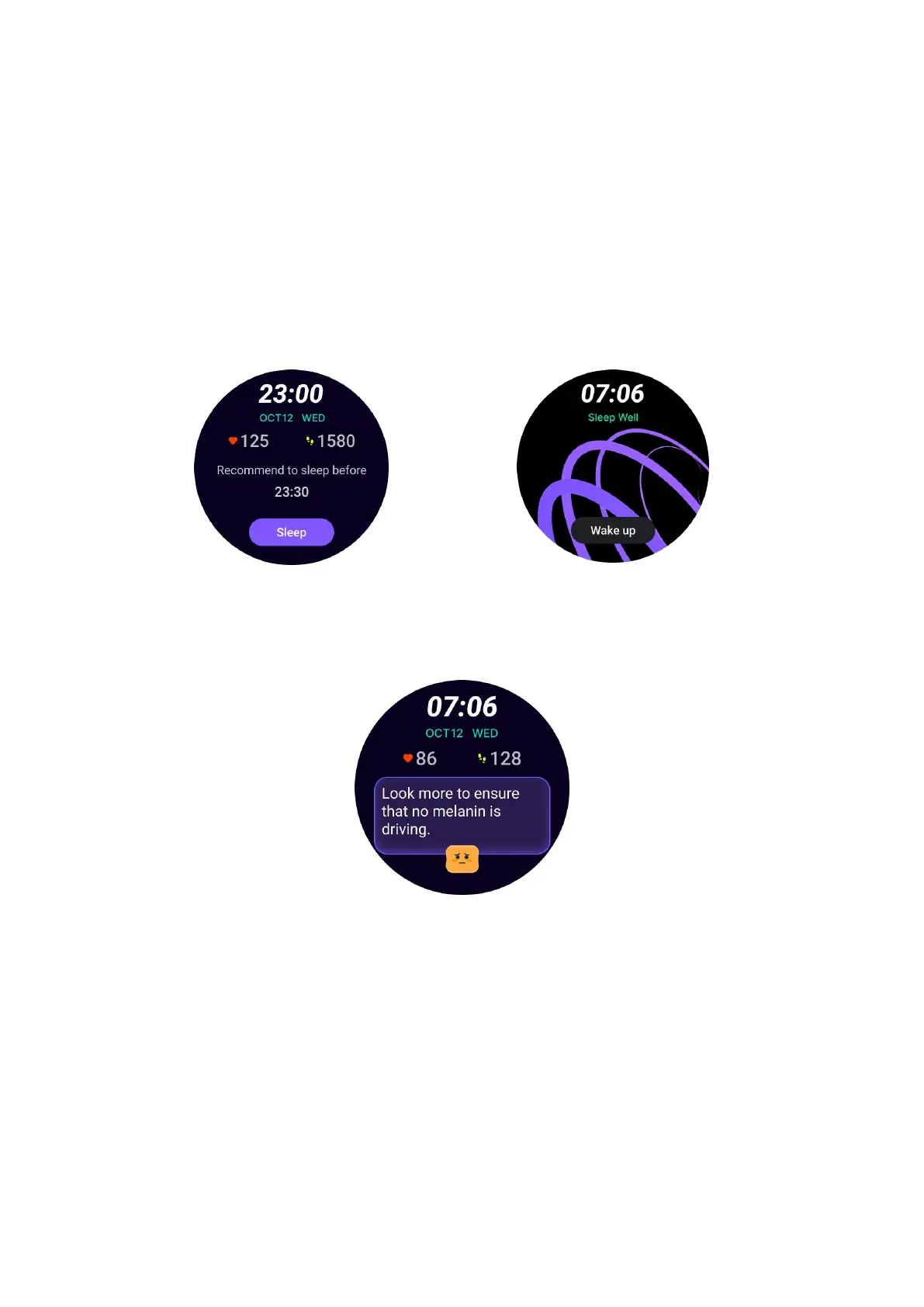
How to use
• Long press the watch face to enter the watch face edit list
•
Select the Sleep Coach watch face and apply it
• Set your sleep cycle. Please go to TicSleep -> Settings -> Sleep cycle to modify
your bedtime and wake-up time
Bedtime Reminder
Starting one hour before your bedtime, the Sleep Coach watch face will remind you
to go to bed on time.
Sleep Tips
Every day at different time periods, sleep tips that are beneficial to improving sleep
quality will be displayed. Click on the dialog box to view complete content.
Sleep Data Overview
After waking up each day, you can quickly check last night's sleep data and provide
subjective feedback on your sleep experience. Click on "View more" to enter
TicSleep to view details



 To Next Page