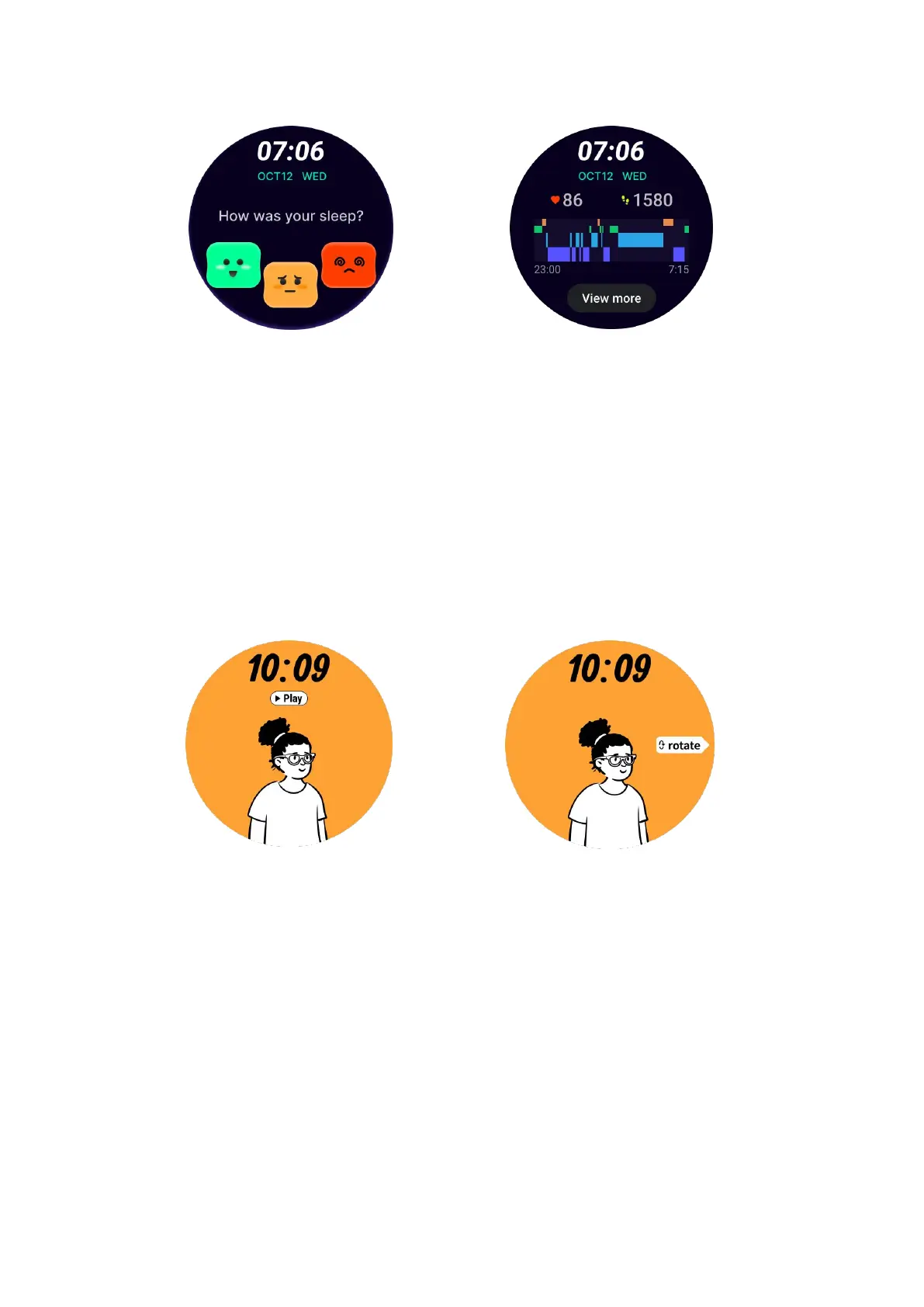
Happy rotation watch face
A very fun watch face that can interact with the rotating button
How to use
• Long press the watch face to enter the watch face edit list
•
Select the Happy Rotation watch face and apply it
• Tap "Play" to enter the game mode, rotate the rotating button to switch to
different images.
• Swipe from left to right to exit the game mode and apply the current image
TimeShow - Browse more watch faces
•
Long-press on the watch face to enter the watch face edit list
•
Tap the TimeShow watch face to apply.
•
You can choose different watch faces from the TimeShow app both on your
watch and phone. Make sure you set the TimeShow as your current watch face.



 To Next Page