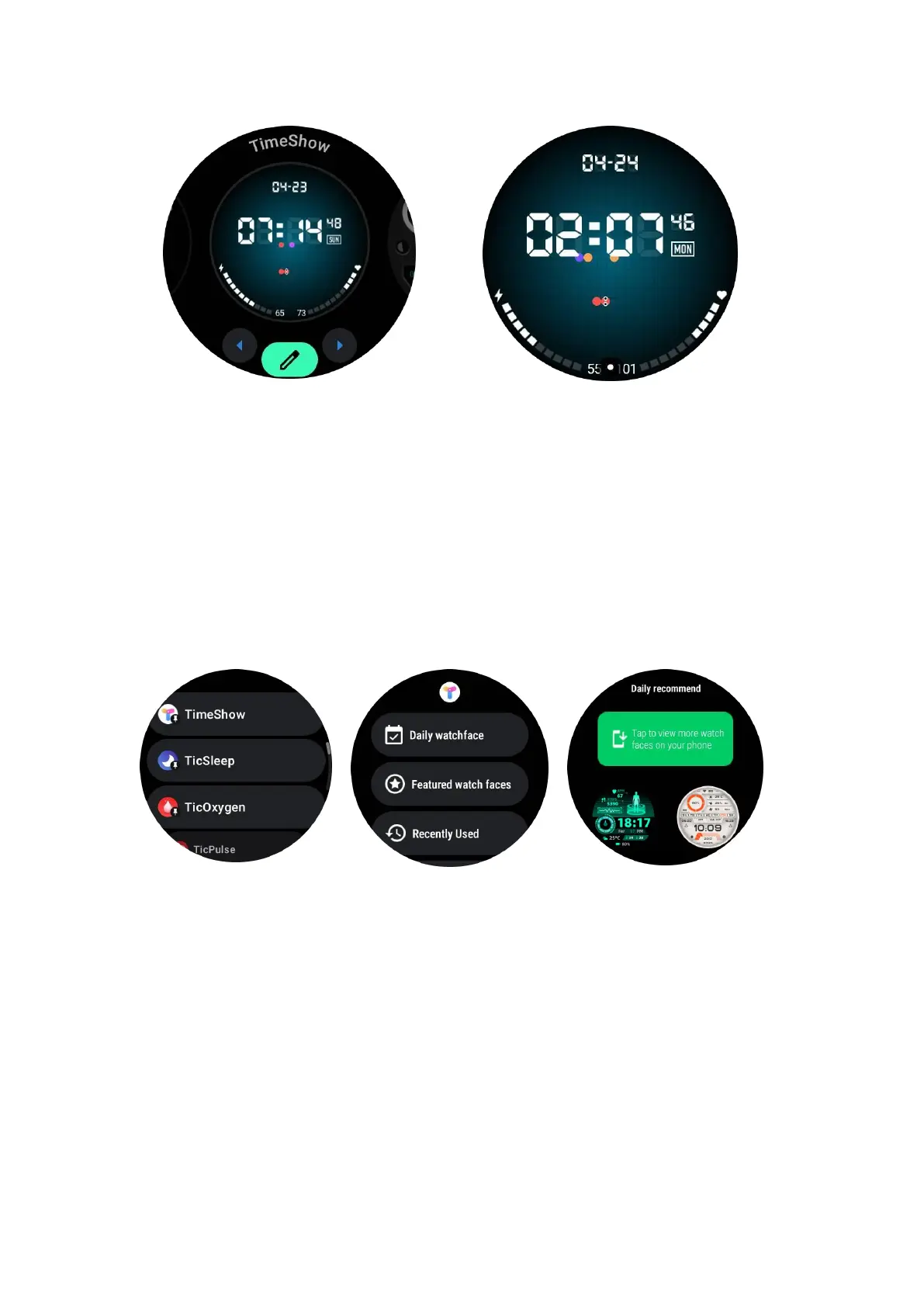
Browse watch faces on your watch
•
Press the rotating crown to enter the application list menu
• Tap the TimeShow app
•
You can browse watch faces from the daily recommendation or featured list
• Tap the watch face to preview it
• You can download the free watch face and apply it direcly
• Or you can purchase the paid watch faces.
Purchase watch faces on your watch
1. Log in to your TimeShow account on your watch by tapping Settings -> Account
-> Log in. Ensure that your watch is connected to your phone.
2.
Tap the watch face you want to purchase to preview it.
3.
Tap the price button to generate the order.
4.
Complete the payment on the Play Store on your phone.
If this is your first purchase, you may need to log in to your account on the TimeShow
app on your phone to ensure that it is successfully connected to your watch.



 To Next Page