IG7600 Administration Manual
Copyright 2013 Tecom, Co. LTD. All rights reserved Page 100 of 100
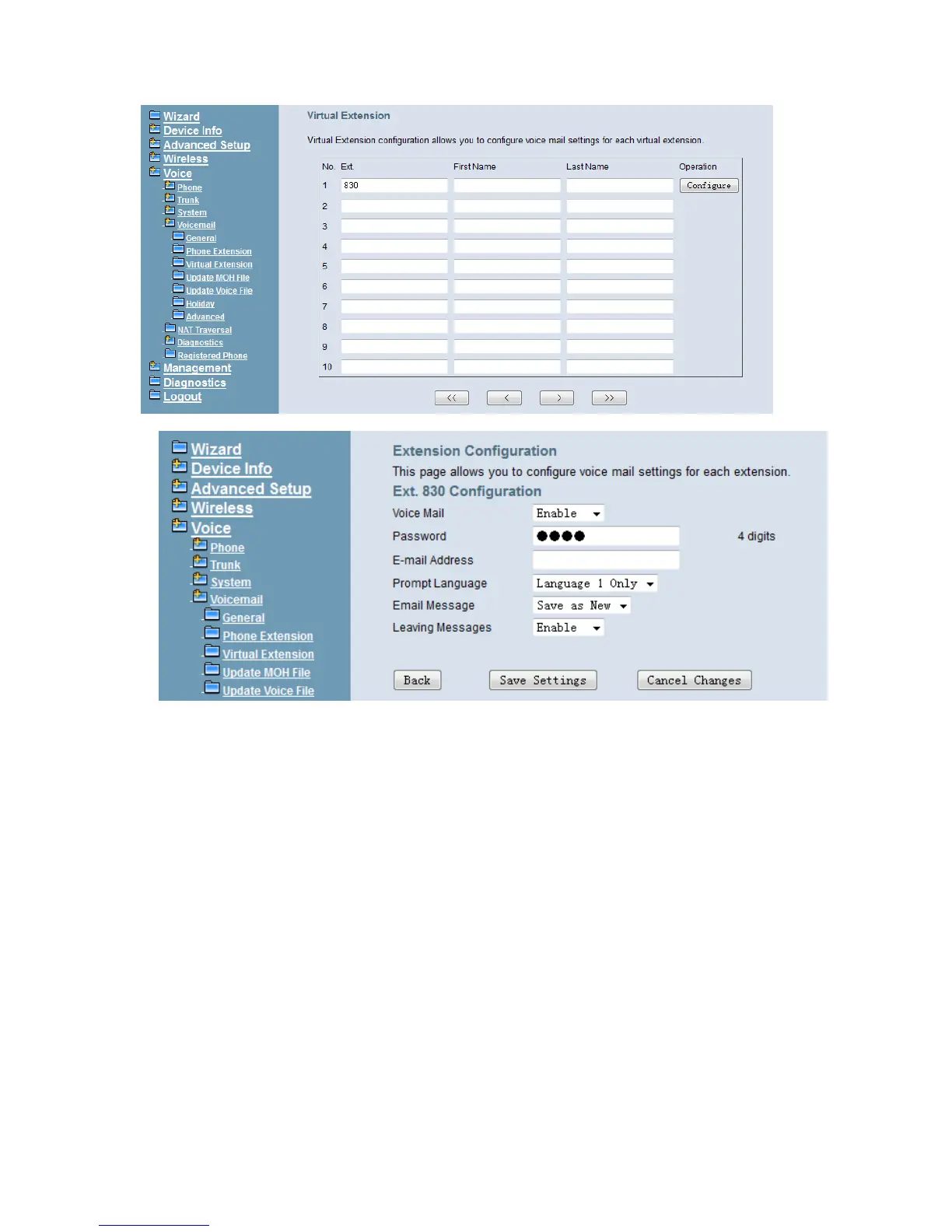
Figure 6-78. Voice – Voice Mail – Virtual Extension
Figure 6-79. Voice – Voice Mail – Virtual Extension Configuration
6.6.4.4 Update MOH File
The Music On Hold (MOH) could be uploaded from the Local PC side. Click the “Browse”
to locate the new MOH file in the PC. Then, click “Update File” to process the file upload.
By default IG only convert MOH to G.711 u and G.711 a codec, if the checkbox “Enable
G.729 Convert” is checked. IG will convert your MOH at the same time.
NOTE: The device do not allow “stereo” MOH format, please upload a MOH file with
“mono” format. Converting wav file to G.729 will take several minutes and the
system will be blocked at the time. (Figure 6-80)



 To Next Page