IG7600 Administration Manual
Copyright 2013 Tecom, Co. LTD. All rights reserved Page 56 of 56
all voice packets have been queued in the highest IP packets, and the others have been
queued in the normal IP packets if they have not been set in the traffic class rule.
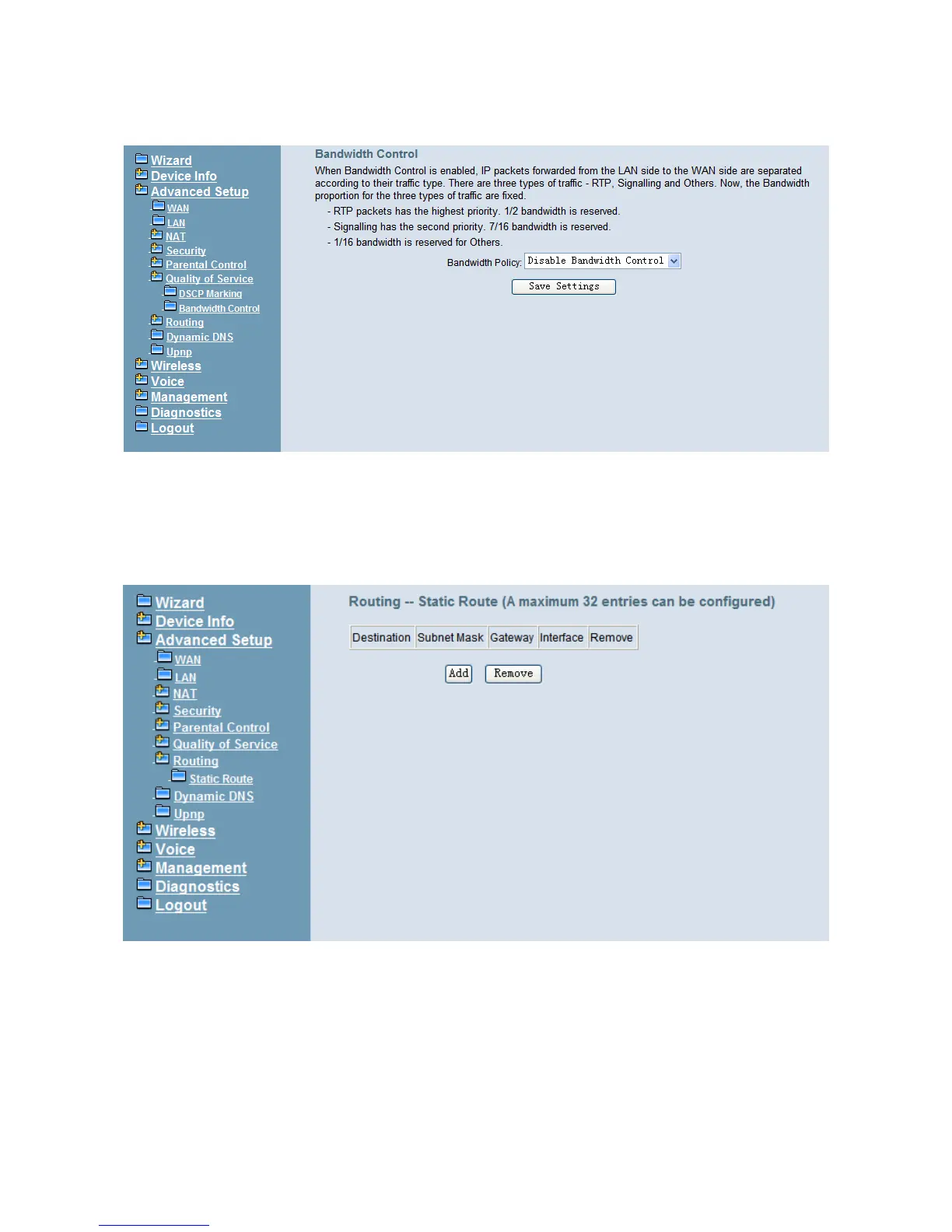
Figure 6-26. Advanced – Quality of Service – Bandwidth Control
6.4.8 Routing
6.4.8.1 Static Route
The Static Route allows you to add special routing rules into routing table.
Figure 6-27. Advanced – Route – Static Route
Click “Add” to create a new Static Route. Enter the destination network address, subnet
mask, gateway AND/OR available WAN interface then click "Save Settings" to add the
entry to the routing table. (Figure 6-27, Figure 6-28)



 To Next Page