IG7600 Administration Manual
Copyright 2013 Tecom, Co. LTD. All rights reserved Page 123 of 123
Language Support
English (North America) – default
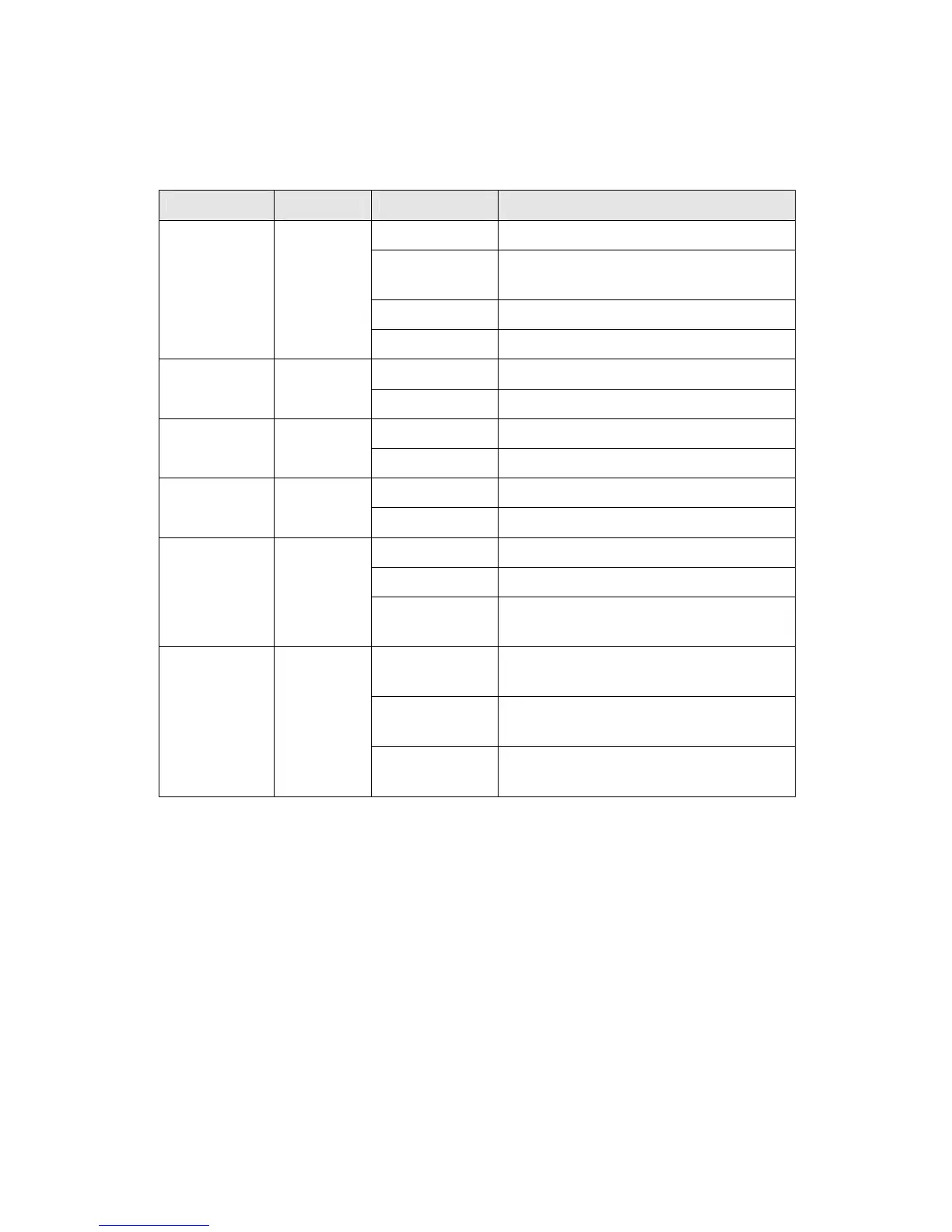
LED Status
LED Name
Color Status Description
Red On Firmware updating
Blue
Flashing
System booting up
Blue On System initialized and running
POWER Red/Blue
Off Power off
On Wireless LAN is active WIRELESS
Blue
Off Wireless LAN is idle
Off PSTN Line is idle LINE (1-4) Blue
On PSTN Line is active
Off Phone is idle TEL Blue
On Phone is active
On LAN is connected
Off LAN is not connected
LAN Blue
Flashing LAN activity present (traffic in either
direction)
Blue On WAN is connected and IP is
obtained
Red On WAN is not connected or no IP
assigned
WAN Red/Blue
Flashing WAN activity present (traffic in
either direction)
Power Requirement
Input : Voltage Range 90~230 VAC
Output : 12V DC / 1.5A
Operating Environment
Temperature : 0~40℃
Humidity : 10 to 90%, non-condensing
Physical Specification
Dimension : 190(W) x 280(L) x 34(D) (mm)



 To Next Page