IG7600 Administration Manual
Copyright 2013 Tecom, Co. LTD. All rights reserved Page 53 of 53
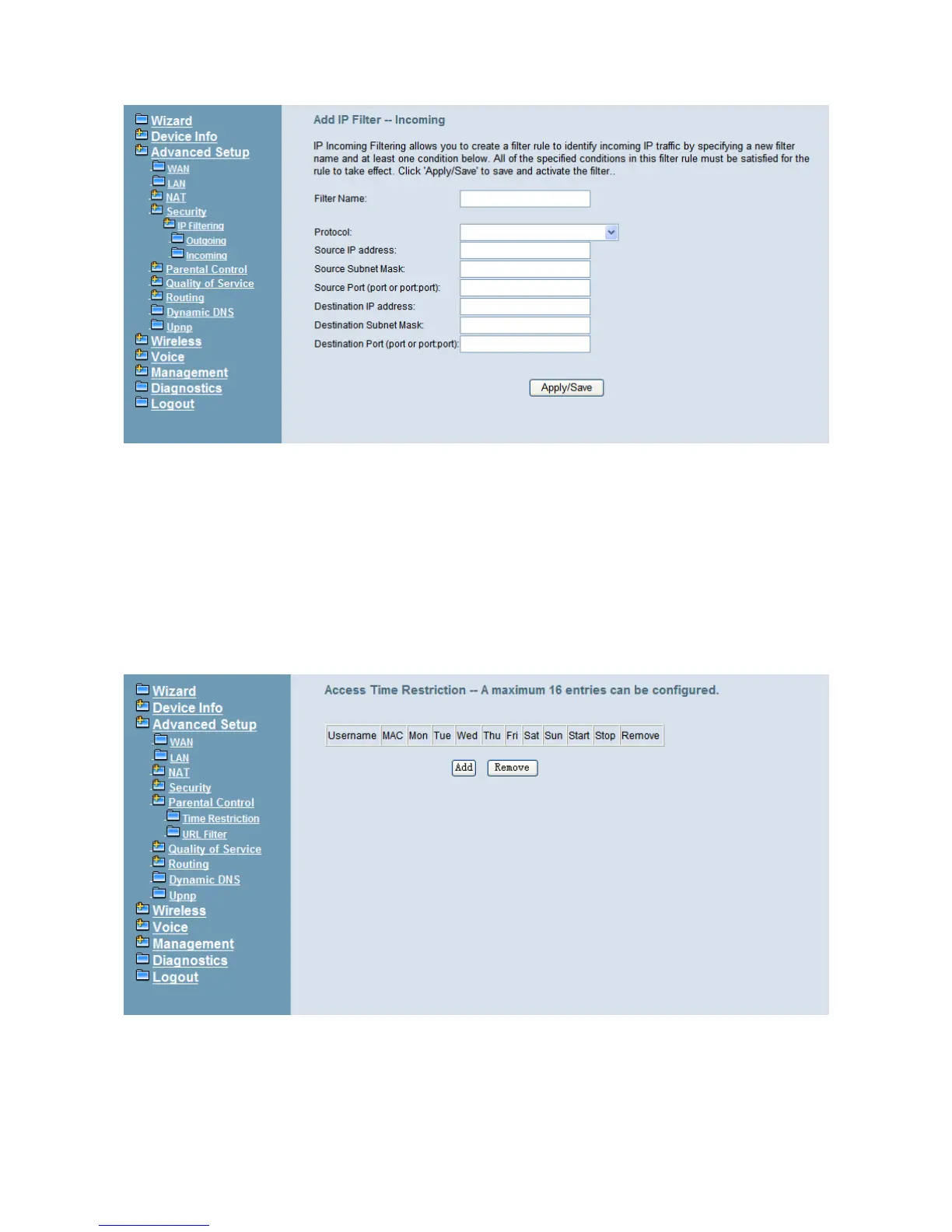
Figure 6-20. Advanced – Security – IP Filtering – Incoming – Add
6.4.6 Parental Control
It’s separated into two parts: Time Restriction, and URL Filter.
6.4.6.1 Time Restriction
The administrator can add time restriction to a special LAN device connected to IG7600.
The “Browser's MAC Address” automatically displays the MAC address of the LAN
device where the browser is running. To restrict other LAN device, click the "Other MAC
Address" button and enter the MAC address of the other LAN device. (Figure 6-21,
Figure 6-22)
Figure 6-21. Advanced – Parental Control – Time Restriction



 To Next Page