IG7600 Administration Manual
Copyright 2013 Tecom, Co. LTD. All rights reserved Page 54 of 54
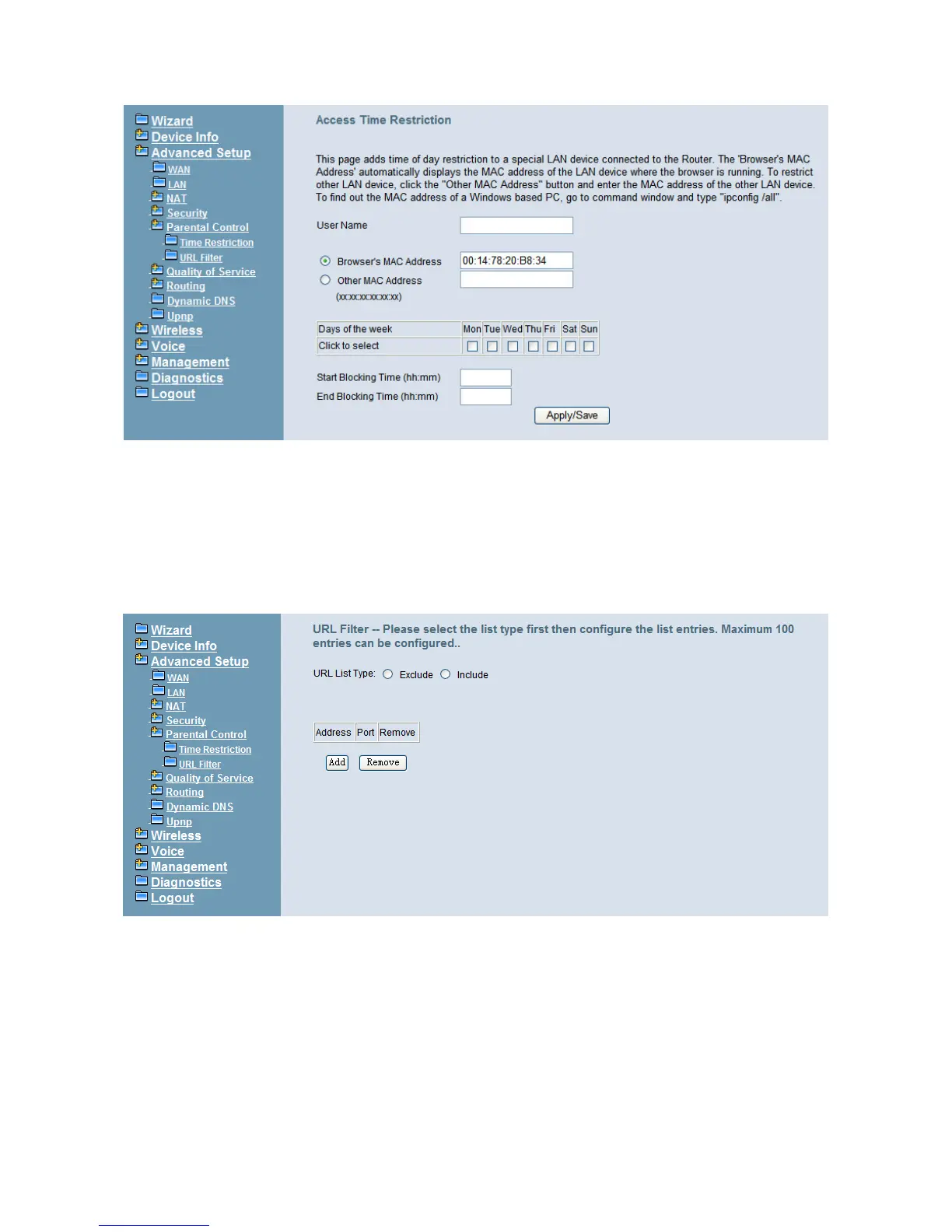
Figure 6-22. Advanced – Parental Control – Time Restriction – Add
6.4.6.1 URL Filter
The administrator can add 100 entries maximum to include/exclude the URL address and
Port number. Choose “Include” means the user can only connect to the URL that you add.
Choose “Exclude” means the user cannot connect to the URL that you add. “Include” and
“Exclude” are exclusive. The all entries are for the selected type. (Figure 6-23, Figure
6-24).
Figure 6-23. Advanced – Parental Control – URL Filter



 To Next Page