IG7600 Administration Manual
Copyright 2013 Tecom, Co. LTD. All rights reserved Page 3 of 3
2. Getting to Know the IG7600
2.1 Front Panel
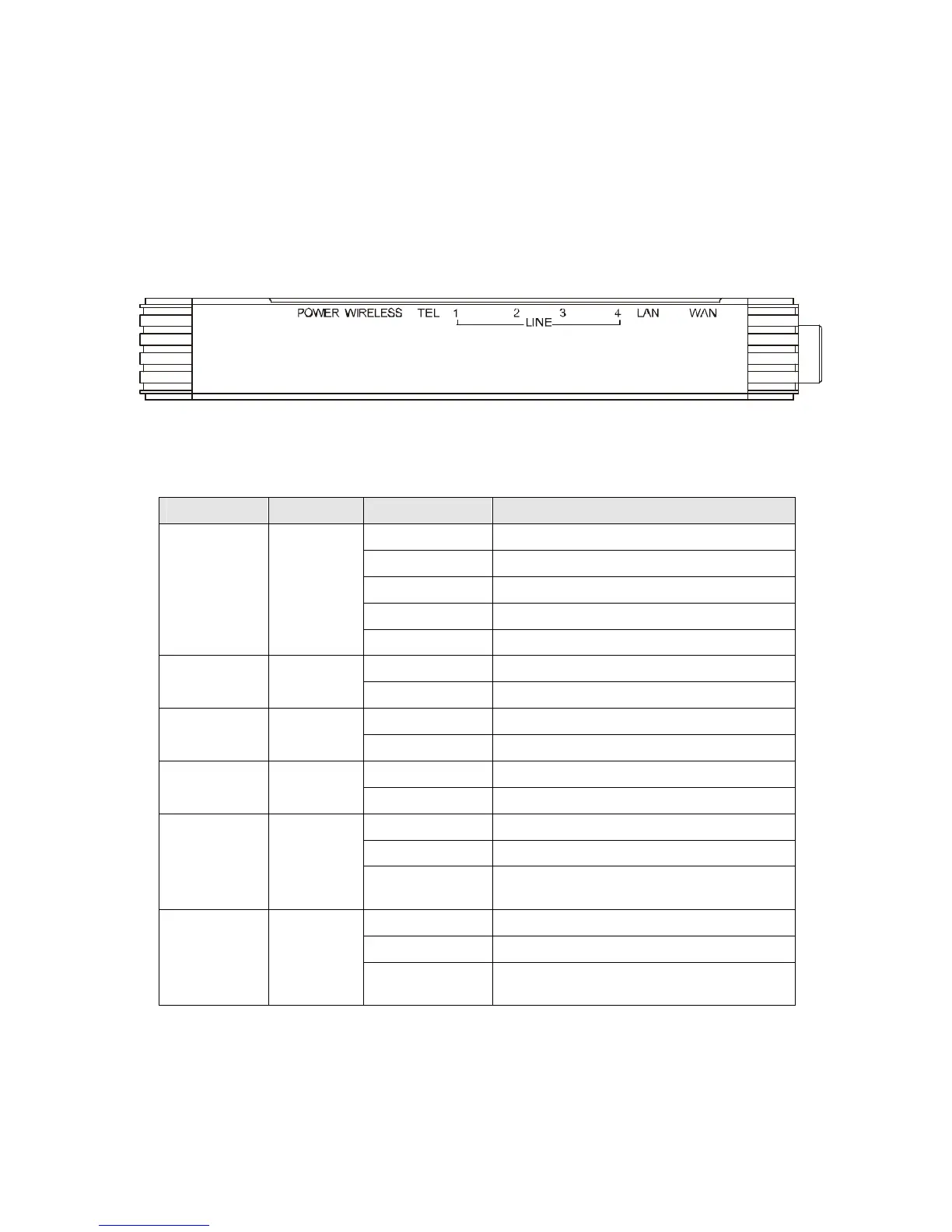
The front panel contains several LEDs that indicate the status of the IG7600.
Figure 2-1. Front Panel of IG7600
LED Name Color Status Description
Red Flashing Application Restarting
Red On Firmware updating
Blue Flashing System booting up
Blue On System initialized and running
POWER Red/Blue
Off Power off
On Wireless LAN is active WIRELESS Blue
Off Wireless LAN is idle
Off PSTN Line is idle LINE (1-4) Blue
On PSTN Line is active
Off Phone is idle TEL Blue
On Phone is active
On LAN is connected
Off LAN is not connected
LAN Blue
Flashing LAN activity present (traffic in either
direction)
Blue On WAN is connected and IP is obtained
Red On WAN is not connected or no IP assigned
WAN Red/Blue
Flashing WAN activity present (traffic in either
direction)



 To Next Page