IG7600 Administration Manual
Copyright 2013 Tecom, Co. LTD. All rights reserved Page 109 of 109
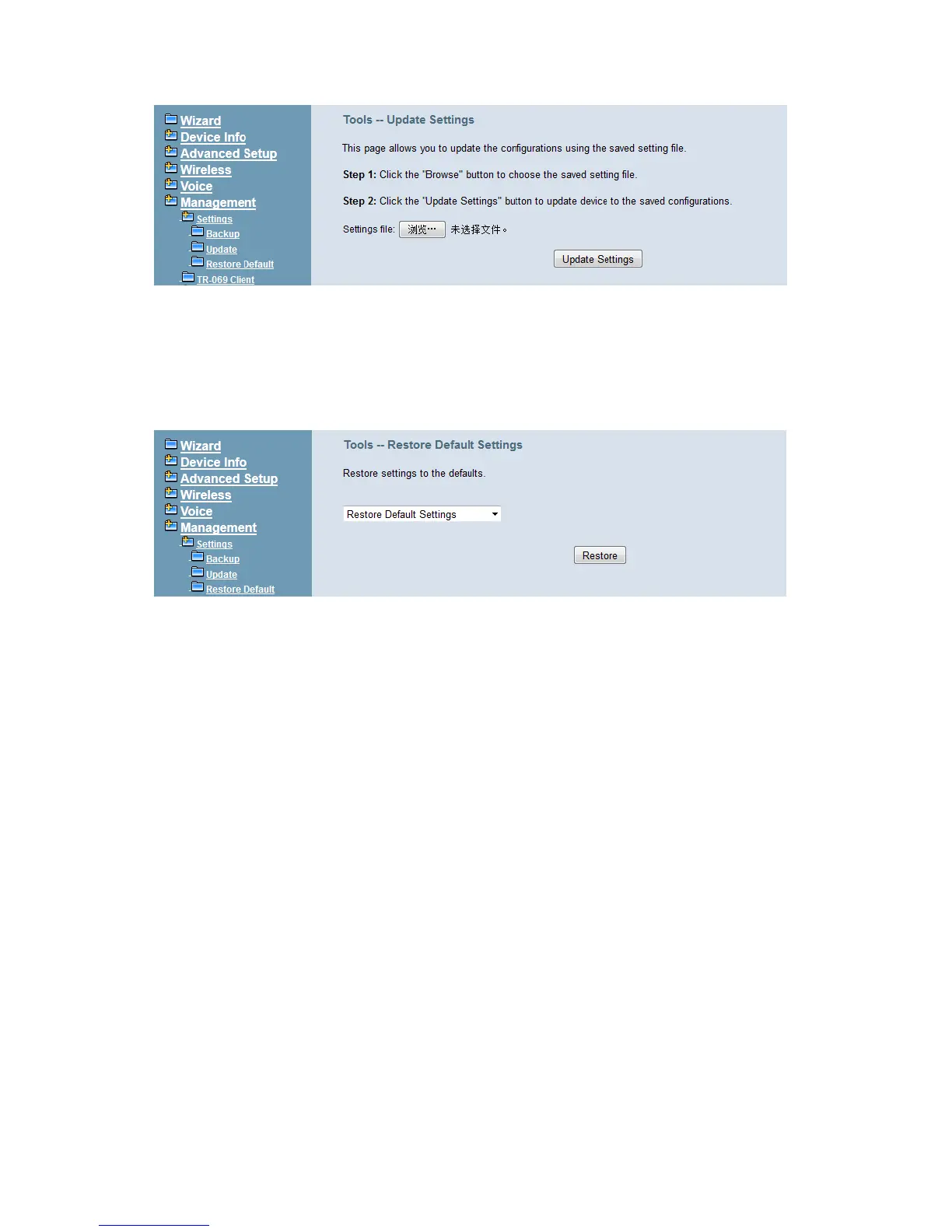
Figure 6-89. Management – Settings – Update
6.7.1.3 Restore Default
You can choose restore Voice Files or Default Settings or Restore All in the drop-down
menu. Click “Restore” to restore selected default settings. This would be helpful when the
voice files or settings are messed up. (Figure 6-90)
Figure 6-90. Management – Settings – Restore Default
6.7.2 TR-069 Client
WAN Management Protocol (TR-069) allows an Auto-Configuration Server (ACS) to
perform auto-configuration, provision, collection, and diagnostics to this device. Firmware
upgrade or vendor configuration file backup can be done remotely on ACS server. Select
the desired values and click "Save Settings" to configure the TR-069 client options.
(Figure 6-91)
Inform: It can be set to Disable or Enable for periodically inform every Inform Interval. Fill the
correct ACS URL, ACS username/password and select Interface, the TR-069 client is able to
connect to ACS server.
Display SOAP message on serial console: Disable/Enable.
Connection Request Authentication: The “Connection Request User Name” and “Connection
Request User Password” are used for the server to initiate an ACS initiation connection.



 To Next Page