IG7600 Administration Manual
Copyright 2013 Tecom, Co. LTD. All rights reserved Page 108 of 108
6.7 Management
The system administrator can do the following functions to manage the configurations,
events, and software update of the IG7600.
Settings
- Backup
- Update
- Restore Default
TR-069 Client
Time Settings
- Internet Time
- Daylight Saving Time
Access Control
- Service Port
- Services
- IP Addresses
- Password
Open Door Log
IP Camera
Update Software
Upgrade Phone Software
Upgrade Door FW
APNS Certificate
Reboot
6.7.1 Settings
The settings area allows the administrator to create a backup, update the system, and
restore the system to factory default.
6.7.1.1 Backup
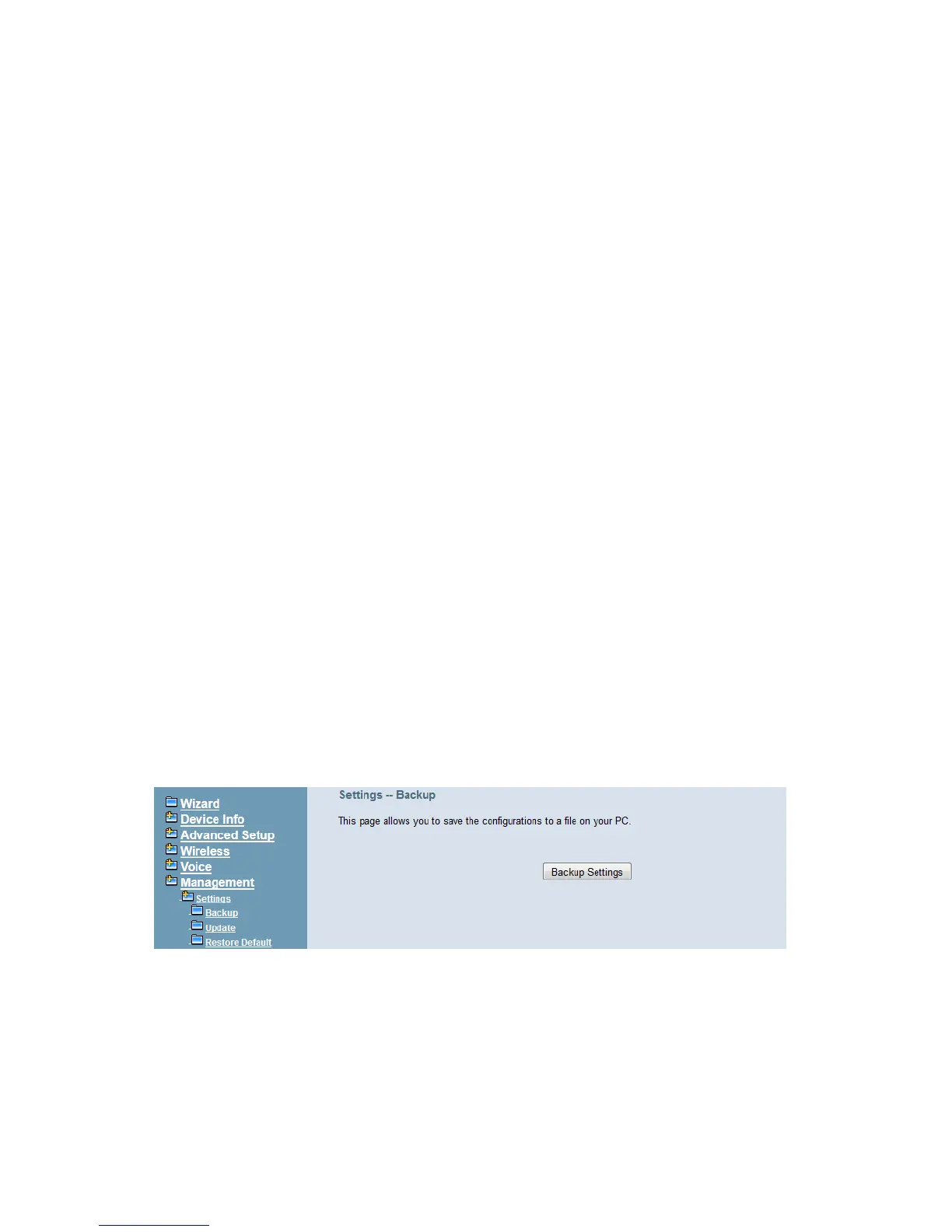
Click “Backup Settings”; you may save your IG7600’s configurations to a file on your PC.
The backup file is a compress file (.tar). It includes System Configuration file,
backupsettings.conf, and the individual extension’s voicemail configuration files (.ini)
(Figure 6-88)
Figure 6-88. Management – Settings – Backup
6.7.1.2 Update
Click “Browse” to locate the setting file saved on the Local PC. The file can be a compress
file (.tar) or a System Configuration file (backupsettings.conf). Then, click “Update
Settings” would apply the settings to the IG7600 according to the configuration file. (Figure
6-89)



 To Next Page