IG7600 Administration Manual
Copyright 2013 Tecom, Co. LTD. All rights reserved Page 52 of 52
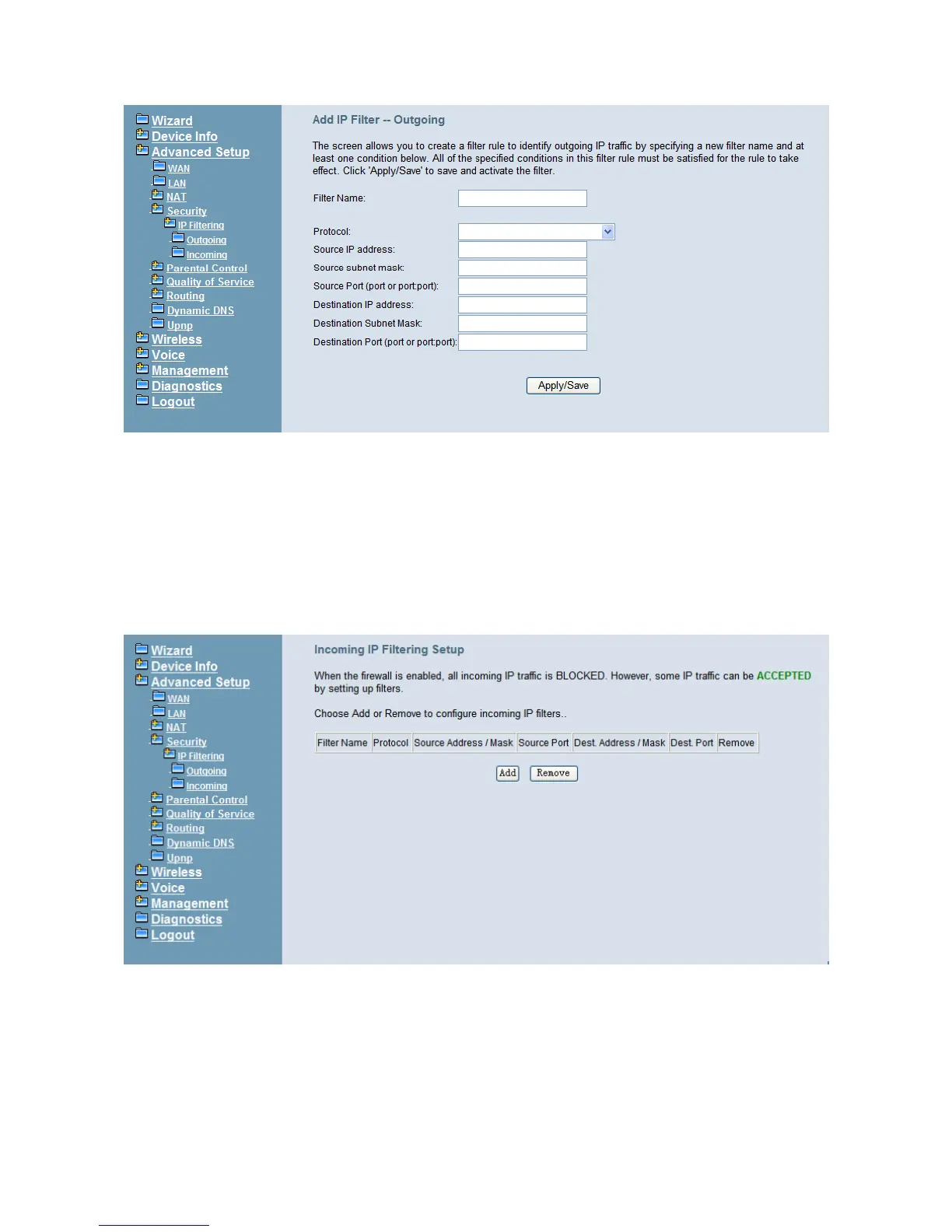
Figure 6-18. Advanced – Security – IP Filtering – Outgoing – Add
6.4.5.2 IP Filtering - Incoming
It allows the administrator to create a filter rule to identify incoming IP traffic by specifying
a new filter name. At least one condition is needed. All of the specified conditions in this
filter rule must be satisfied for the rule to take effect. (Figure 6-19, Figure 6-20)
By default, all incoming IP traffic from the WAN will be blocked if it is not consistent with
the incoming filter rules. In fact, IG7600 has opened some necessary ports such as web
port, sip port, and rtp port, to make sure that voice application can communicate well.
Figure 6-19. Advanced – Security – IP Filtering – Incoming



 To Next Page