IG7600 Administration Manual
Copyright 2013 Tecom, Co. LTD. All rights reserved Page 112 of 112
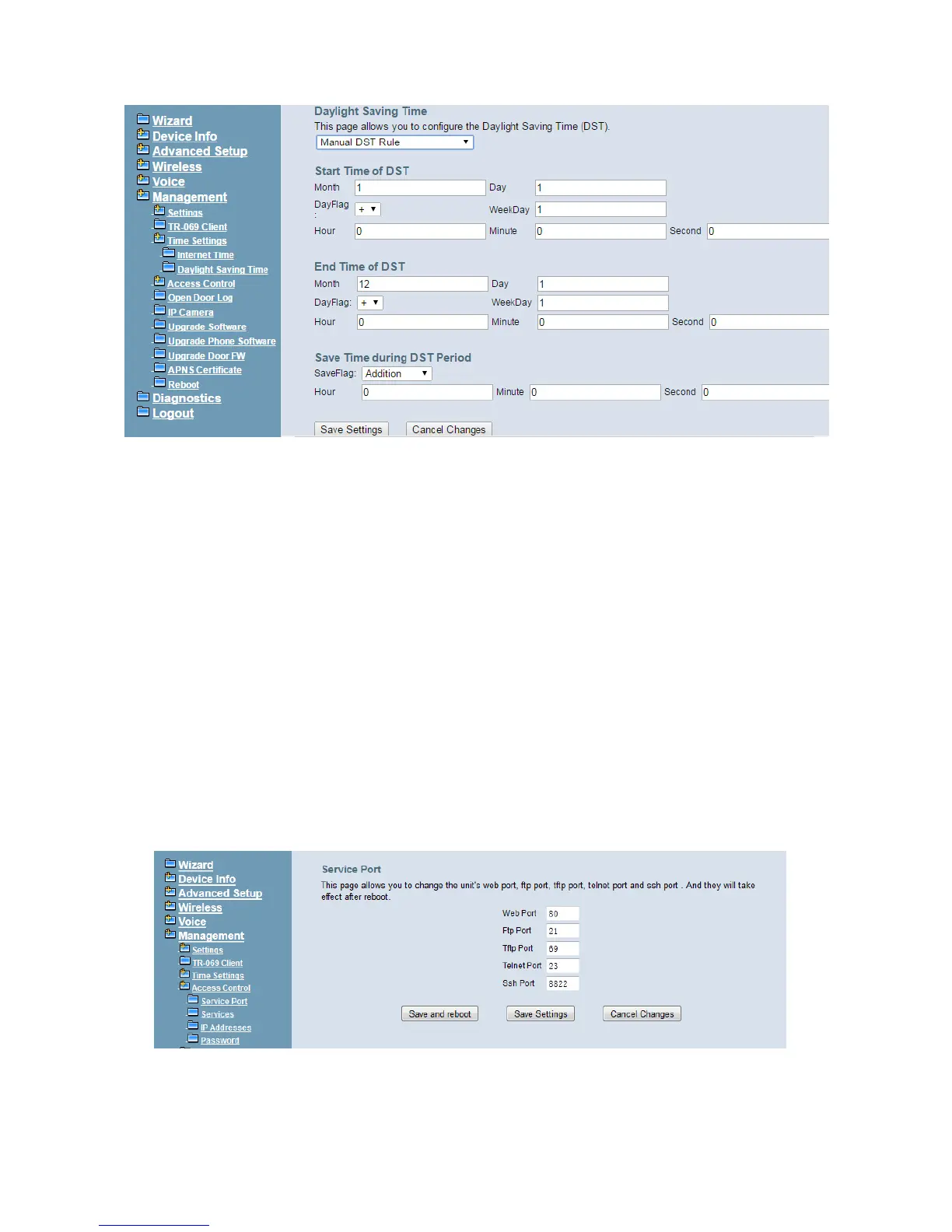
Figure 6-95. Management –Time Settings – Day Light Saving Time – Manual DST Rule
Default International DST Rule: Default DST Rule obey international standard rule.
Manual DST Rule: Define your own DST Rule.
Start Time of DST: The date and time to start daylight saving.
If “Weekday” is 0, it means the date to start daylight saving is at exactly the given date.
If “Weekday” is not 0, the DST starts on the “Weekday” on or after the given date.
End Time of DST: The date and time to end daylight saving.
If “Weekday” is 0, it means the date to end daylight saving is at exactly the given date.
If “Weekday” is not 0, the DST ends on the “Weekday” on or before the given date.
Save Time during DST Period: The amount of hour/min/sec to add to the current
time during daylight saving period.
6.7.4 Access Control
This item allows you to configure some service Ports, enable/disable some services, IP
Address access control, and password for user, support, and administrator.
6.7.4.1 Service Port
This page allows you to change the IG7600's web port, ftp port, tftp port, ssh port and
telnet port. And they will take effect after reboot. (Figure 6-96)
Figure 6-96. Management – Access Control –Service Port



 To Next Page