IG7600 Administration Manual
Copyright 2013 Tecom, Co. LTD. All rights reserved Page 75 of 75
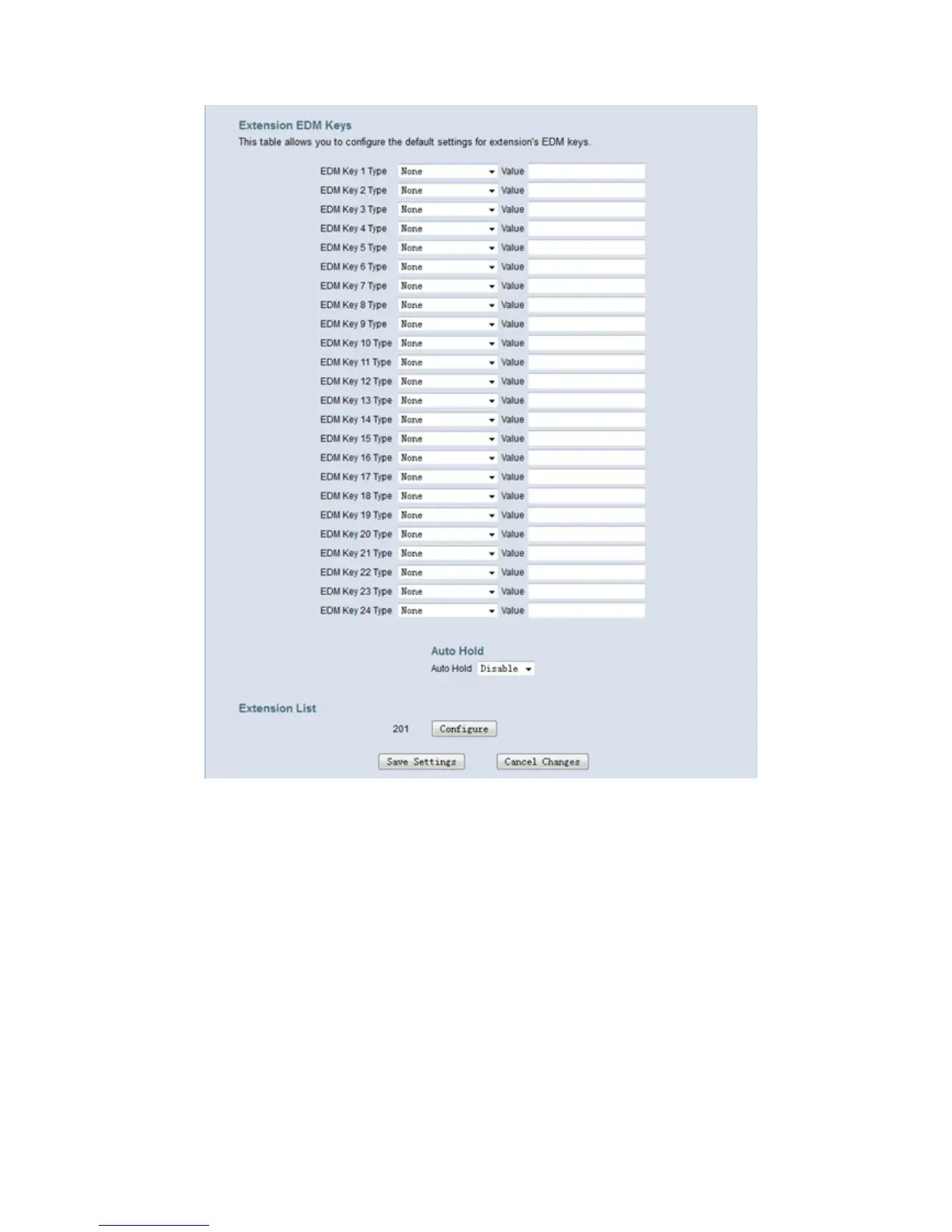
Figure 6-49. Voice – Phone – Programmable keys
When there are IP phones registered to IG7600, you can configure their key setting. In
Extension List, press “Configure” to configure keys of the specific phone.
Follow Gateway Settings: Use default IG7600 key setting for the IP phone. If you
check the checkbox, all the input operations are disabled, and the Ext’s
programmable keys settings will use the Gateway settings. You can configure the
settings manually only if the check box “Follow Gateway Settings” is not checked.



 To Next Page