IG7600 Administration Manual
Copyright 2013 Tecom, Co. LTD. All rights reserved Page 82 of 82
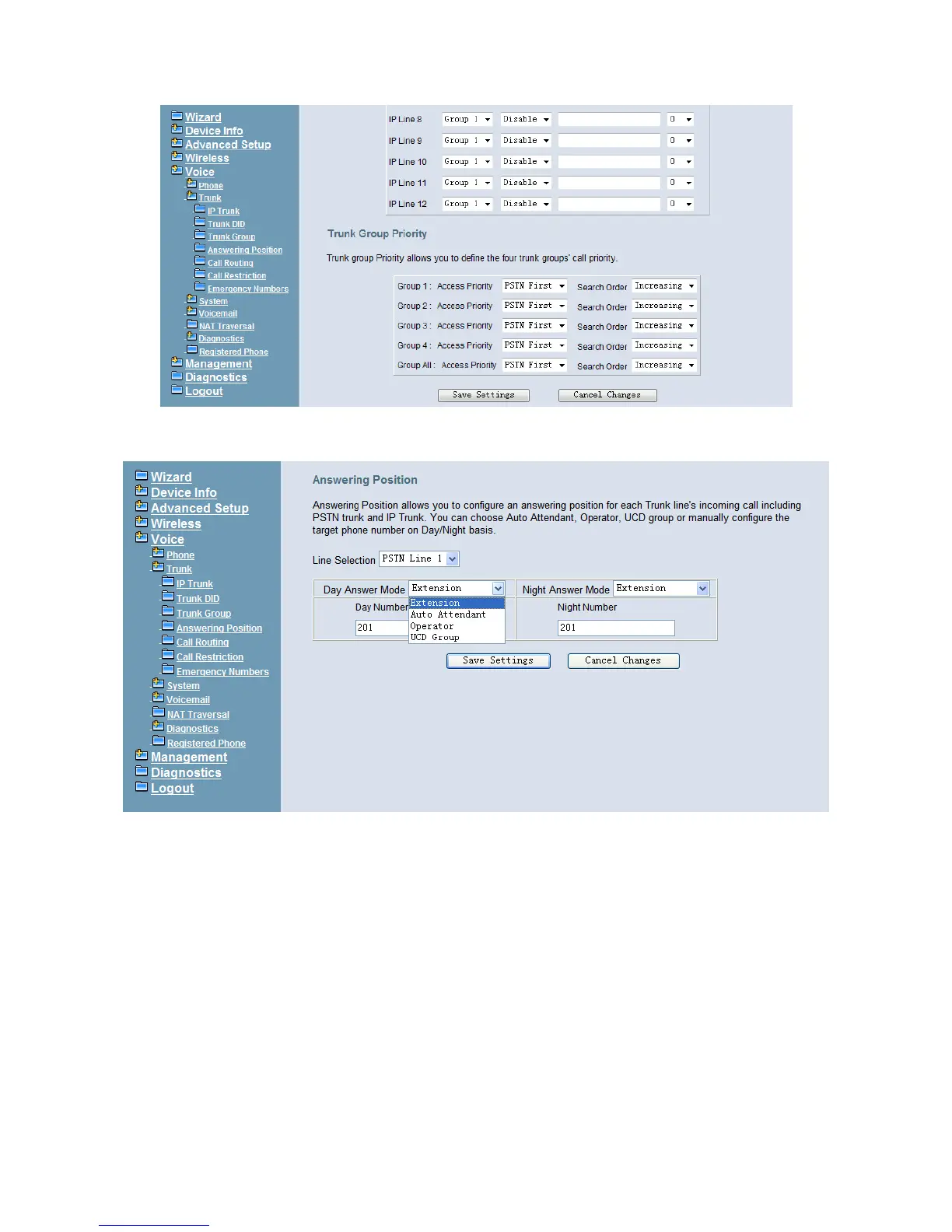
Figure 6-55. Voice – Trunk – Trunk Group – 2
6.6.2.4 Answering Position
Figure 6-56. Voice – Trunk – Answering Positions
This page allows you to configure an answering position for each Trunk line's incoming
call including PSTN trunk and IP Trunk. You can choose Auto Attendant, Operator, UCD
Group or manually configure the target extension phone number on Day/Night basis.
(Figure 6-56)
Choose Auto Attendant, you can configure an AA Menu number. An idle VAA will
auto-answer this incoming trunk call.
Choose Extension, you must configure the target phone number on Day/Night basis.
Choose UCD Group, you can configure an UCD group. The maximum phones for one
UCD group are 50.
Choose Operator, the incoming trunk call will be redirected to Operator.



 To Next Page