43
5” GPS Navigation
43
5” GPS Navigation
Icon Name Explanation
Close Exit the volume setting.
Volume
Ten volume grades (from mute to
maximum) available. Tap to decrease
the volume by grade.
Sounds
for taps
Tap it to enable the function. Tap it
again to disable the function.
Power-
on music
Tap
or to select power-on
music or disable it.
7.3 Backlight
Backlight setting includes backlight brightness adjustment and la-
tency of backlight off.
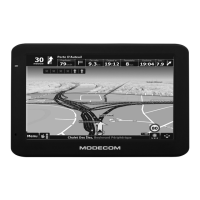
Tap
in the system interface to enter the backlight setting inter-
face as shown below.


 To Next Page