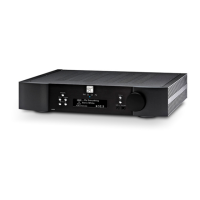
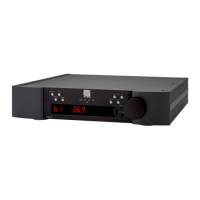
330A Nēo Series
Rear Panel Layout
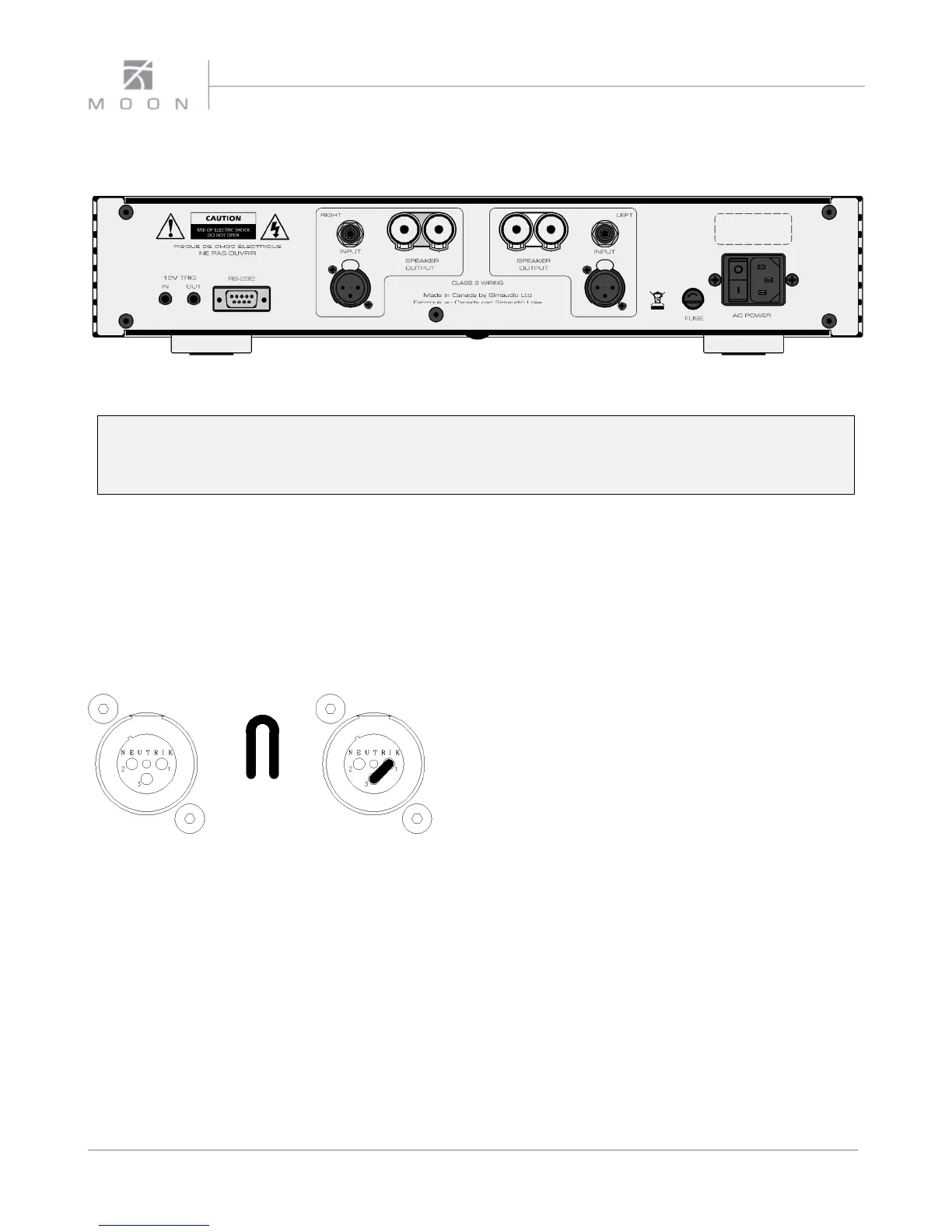
Figure 1: Nēo 330A Rear panel
The rear panel will look similar to Figure 1 (above). Each channel has one balanced (differential) input on an XLR
connector and one unbalanced (single-ended) input on a RCA connector. There is no switch to toggle from
balanced mode to single-ended mode. You may operate the amplifier in either mode, but only one mode at one
time.
When you’re using the balanced XLR inputs, you must
first remove the factory installed “dummy” XLR
jumpers (see figure 2 below) from the back panel XLR
connectors and store them in a safe place. This jumper
is required ONLY when using the single-ended RCA
inputs. When you decide to switch to single-ended
input mode, you must reinstall the XLR jumpers
(between pins 1 and 3) exactly as shown below:
The left side of the rear panel has a pair of 12 Volt
triggers, each on a 1/8” mini-jack; one input and one
output, the latter for use if you need to “daisy chain” a
second power amplifier on the same trigger circuit.
Immediately to the right of these 12V triggers is an RS-
232 input on a DB9 connector.
In the middle of the rear panel you will find a two (2)
pairs of heavy duty gold-plated speaker binding posts –
one pair each for the left and right channels.
On the far right side, you will find (from top to bottom);
The power “main switch”; The “AC Fuse” socket cover
and the “AC in” IEC receptacle for the power cord.
Figure 2: XLR connector without
and with jumper accessory
8


 To Next Page