12
Once Auger Calibration has been selected:
• Enter edit mode (flashing cursor) by pressing SET.
• Modify the selected value with and save the setting by
pressing SET.
• Press ESC to exit.
Fan Calibration: Menu for setting the combustion air Fan speed. There
are 10 levels, 5 to increase and 5 to decrease, the 0 level is the
manufacturers default value.
Once Fan Calibration has been selected:
• Enter edit mode (flashing cursor) by pressing SET.
• Modify the selected value with and save the setting by
pressing SET.
• Press ESC to exit.
Note: the number shown when editing a parameter refers only to a
percentage value which acts on default parameters (exclusively in
Run mode and Modulation). Each of these values must be changed
in case of a poor combustion due to the use of a different (from the
first ignition test) quality of pellets.
See COMBUSTION for further details.
Time and Date
Menu that allows to set the Time and Date.
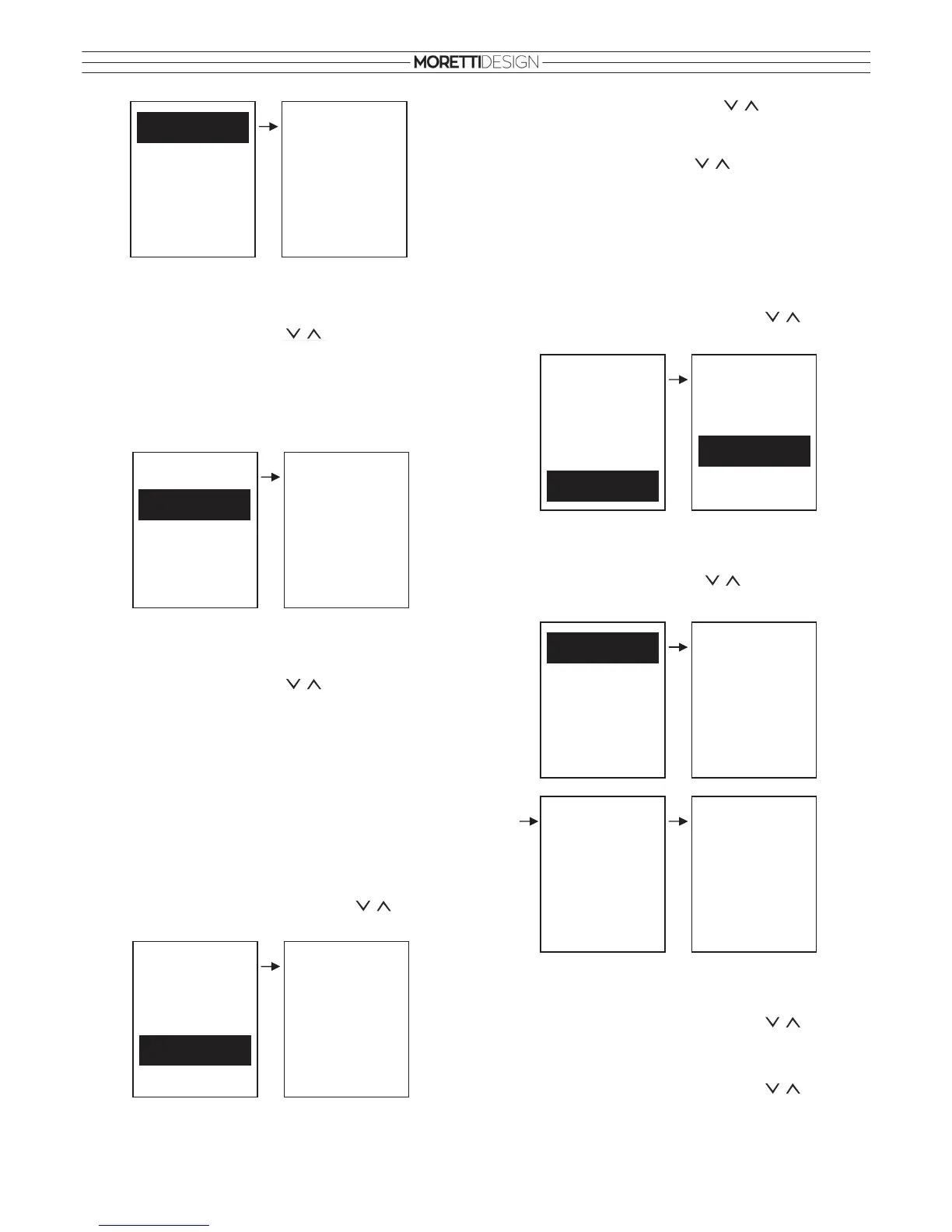
• To select the item in the menu use the buttons. To
confirm press SET. To exit press ESC.
Fan Calibration
Auger Calibration
Auger Calibration
Max: 5
Set: 0
Min: -5
Auger Calibration
Fan Calibration
Fan Calibration
Max: 5
Set: 0
Min: -5
Room Thermost
Chrono
Eco Clima
Calibration
Load
Time and Date
Time and Date
15 : 54
Wednesday
06/12/2017
• Select hours, minutes and date with
• Enter edit mode (flashing cursor) by pressing SET.
• Modify the selected value with
and save the setting by
pressing SET.
• Press ESC to exit.
Load
The menu allows the manual filling of the auger. The stove must be
OFF for this function to be activated. If the Auger is manually
activated, then the Exhaust Fan is also activated, this is necessary so
that the pressure switch can close the contact and the auger can turn.
• To select the item in the menu use the buttons. To
confirm press SET. To exit press ESC.
Monitor Menu
Menu for monitoring parameters and functions of the system.
• To navigate in the menu use the
buttons. Press ESC to
exit.
Language
Menu that allows to set a desired language.
• To select the item in the menu use the buttons. To
confirm press SET. To exit press ESC.
Settings
• To select the item in the menu use the buttons. To
confirm press SET. To exit press ESC.
Room Thermost
Chrono
Eco Clima
Calibration
Time and Date
Load
Load
Off
On
Monitor
Exhaust T.
Stove Rem. 1
Air Flux
Monitor
Product Code 534
FSYSI01000047
FSYSC02000027
Monitor
Fan Speed
Auger
Recipe
Language
Settings
System Menu
Monitor

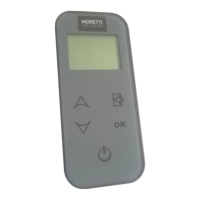

 To Next Page