71
English
SCAN
Note: In PassPort mode, talkgroups cannot be pri-
oritized.
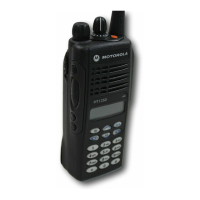
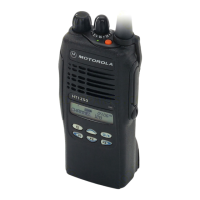
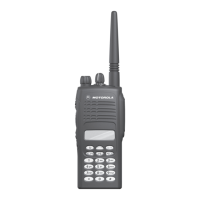
Your HT1250•LS+
radio cannot receive any
calls while you are editing a Scan list. The K
symbol is displayed while you are in edit mode.
Note: In Conventional operation only, even if
there is activity on a non-priority channel,
your radio automatically switches to an
active priority channel and indicates the
activity with a short tone.
VIEW A SCAN LIST
To view Talkgroups or Channels in a Scan List:
ADDING OR DELETING
TALKGROUPS OR CHANNELS
IN A SCAN LIST
To add or delete Talkgroups or Channels in a
Scan List:
1 ) to enter menu mode.
2 + or ? until
3 ) to select
4 + or ? until
Note: One Scan list per mode of operation
is available.
5 ) to select
3URJUDP/LVWV
3URJUDP/LVWV
6FDQ/LVW
6FDQ/LVW
6 + or ? until
7 ) to confirm your selection.
8 + or ? to see the talkgroup or channel
in your list.
9 Hold down t to exit menu mode.
1 ) to enter menu mode.
2 + or ? until
3 ) to select
4 + or ? until
Note: One Scan list per mode of operation
is available.
9LHZ/LVW
3URJUDP/LVWV
3URJUDP/LVWV
6FDQ/LVW



 To Next Page
 Loading...