75
English
PHONE
PHONE
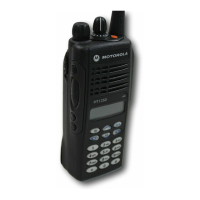
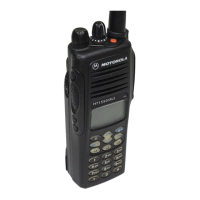
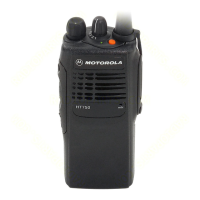
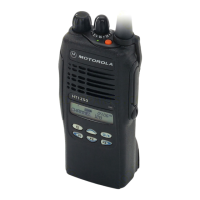
Your HT1250•LS+
radio allows you to place and
receive telephone calls through trunked and
conventional systems (depending on phone line
availability). Telephone calls through a repeater
allow only one person to speak at a time.
MAKING A PHONE CALL D
THROUGH A TRUNKED SYSTEM
Note: The following instructions assume your
radio has been programmed as follows by
your dealer using CPS (Customer Program-
ming Software).
• Dial type: Live
• Access/Deaccess type: Immediate Auto
• Tone Span: Timed - 100 ms tone duration
To Initiate a Phone Call
Do the following:
1 Select a trunked zone and talkgroup that have
been programmed for telephone.
2
) to enter menu mode.
–or–
Press the preprogrammed Phone button, and
skip to step 5.
–or–
Press and release the Speed Dial button to
use the speed dial feature. Then press the
(1 to 9) key corresponding to the number you
want to call on the Phone list. Or press 0 if
you want to call the last number dialed. Press
the PTT button. A dial tone sounds. Press the
PTT button again to send the phone number.
–or–
For an LTR trunked system, press and hold
the PTT button while dialing a number. (If your
radio has been programmed for Hot keypad,
this is a radio-wide setting).
3 + or ? until
4 ) to confirm
D appears on the display when you are in
Phone mode.
3KRQH
3KRQH



 To Next Page
 Loading...