29
Phonebook
CHARACTER MAP
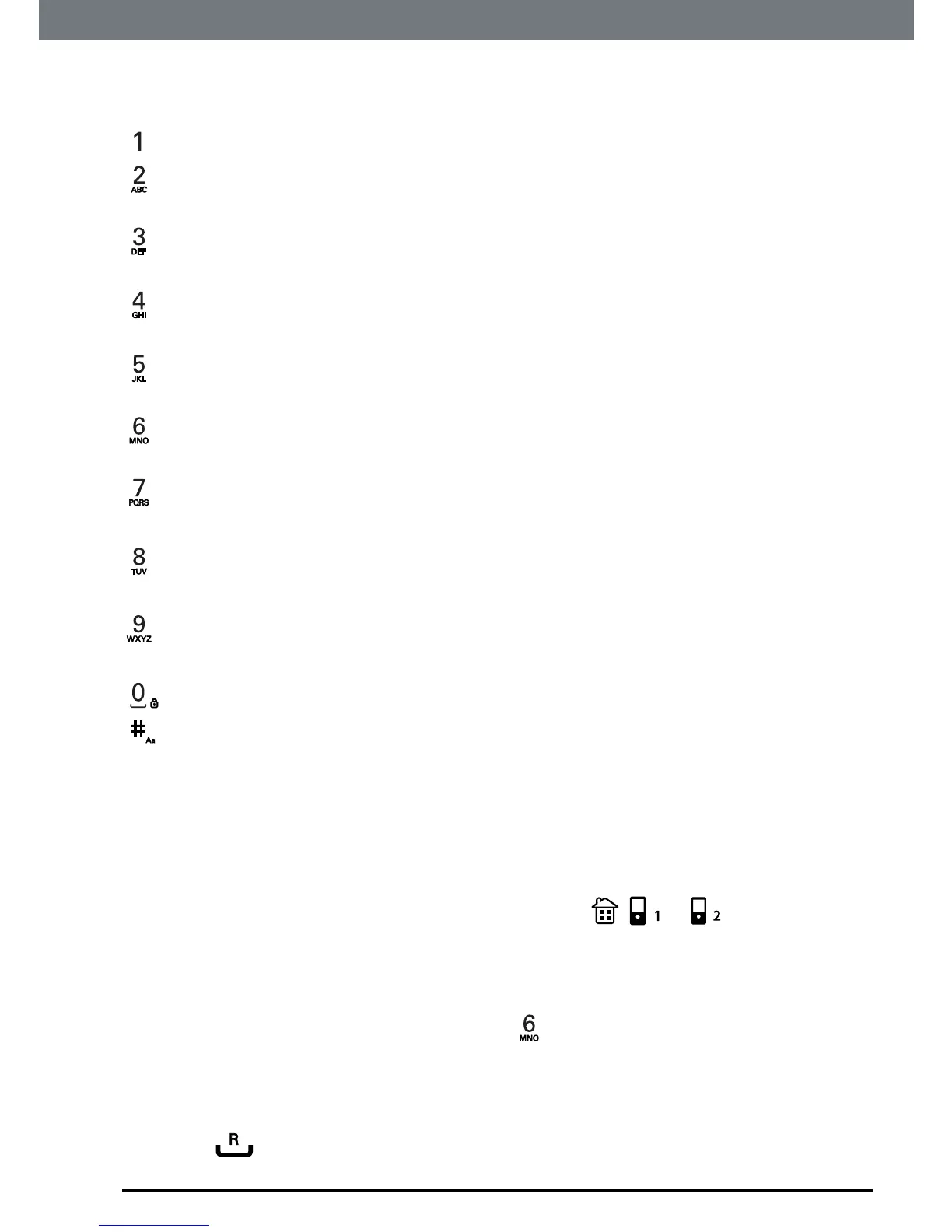
Key Case Assignedcharactersandsymbols
L/U 1@_#=<>()&€£$¥[]{}¤§…
L abc2àâæáãäåç
U ABC2ÀÂÆÁÃÄÅÇ
L def3èéêëΔΦ
U DEF3ÈÉÊËΔΦ
L ghi4ğíìïıΓ
U GHI4ĞÍÏİ Γ
L jkl5Λ
U JKL5Λ
L mno6ñóôõöò
U MNO6ÑÓÔÕÖ
L pqrs7ßşΠΘ Σ
U PQRS7ŞΠΘ Σ
L tuv8ùúüμ
U TUV8ÙÚÜ
L wxyz9øΩΞ Ψ
U WXYZ9ØΩΞ Ψ
L/U Space.0,/:;“‘!¡?¿*+-%\^~|
L/U shortpresstoswitchbetweenABC,abc,Abc
L=Lowercase
U=Uppercase
5.2 View the details or dial an entry
1. PressUPorpress
Menu,
Phonebook
ishighlighted,press
OK
.
2. Scrolltothephonebooklistyouwant,either
, or .
3. Scrolltotheentryyouwanttoview.
Or
Tosearchalphabetically,pressthekeywiththerstletterofthename,
e.g.ifthenamebeginswithN,press
twice.Thedisplayshowstherst
entrybeginningwithN.Ifrequired,scrolltotheexactentry.
4. Press
Options
andscrollto
Show Details,
thedisplayshowstheavailable
information,scrolltotherequirednumber.
5. Press
andscrolltothelineyouwanttodialoutfrom.


 To Next Page
 Loading...









