36
Using the answering machine
7. Using the answering machine
TheIT.6Tansweringmachinerecordsunansweredcallswhenitisactivated.
Itcanstoreupto59messageswithinthemaximumrecordingtimeof60
minutes.Eachmessagecanbeupto3minuteslong.Yourpersonalised
outgoingmessagescanbeupto3minuteslong.
Youcanoperateyouransweringmachinefrom:
• thebase.
• thehandset.
• remotely,fromanotherphone(seepage39).
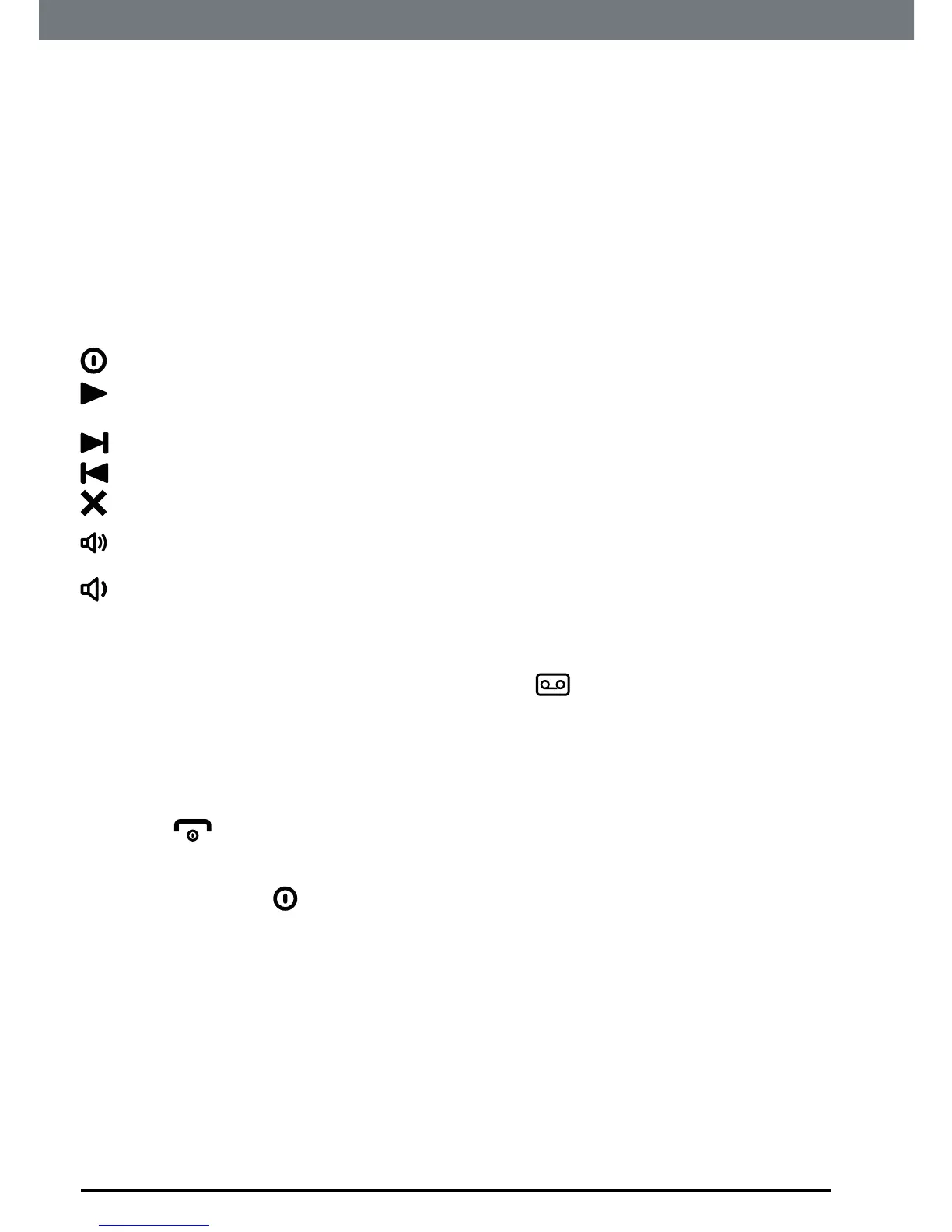
7.1 Base control keys
Presstoswitchtheansweringmachineon/off.
Presstoplayallstoredmessages.
Presstostopmessageplayback.
Skiptothenextmessageduringmessageplayback.
Presstoskipbacktopreviousmessage.
Deletecurrentmessageduringmessageplayback.
Increasespeakervolumeduringmessageplayback.
Decreasespeakervolume.
7.2 Switch the answering machine on / off and set
the answer mode
Whenswitchedon,thehandsetdisplayshows instandby.
1. Press
Menu
,scrollto
Answer Machine
andpress
OK
.
2. Scrollto
Answer Mode
andpress
OK
.
3. Scrolltoeither
Answer & Record
,
Answer Only
or
Off
thenpress
OK
.
4. Press
toreturntostandby.
NOTE
Alternatively, press
on the base to switch on the answering machine.
7.3 Outgoing messages
TheOGMisthemessageacallerrsthearswhentheansweringmachine
picksuptheircall.TheIT.6Tcomeswith2pre-recordedOGMs,oryoucan
recordyourown.
7.4 Record a personalised outgoing message
Youcanrecordpersonalisedoutgoingmessagesupto3minuteslongfor
yourcallers.
TheAnswer&Recordmodeallowsyourcallertoleaveamessageafterthe
announcement,whiletheAnswerOnlymodeonlyallowsyourcallertohear



 To Next Page
 Loading...








