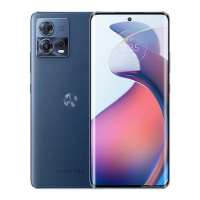
Adjust screenshot settings
You can adjust settings for capturing screenshots at any time.
1. Go to Settings > System > Gestures.
Or, open the Moto app and tap > Gestures.
2. Do any of the following:
•
Turn Three finger screenshot on or off .
•
To prevent the three finger gesture from working in certain apps, tap Settings > Exceptions >
and select the apps.
Settings : System : Gestures 265



 To Next Page
 Loading...