Operation Section
44
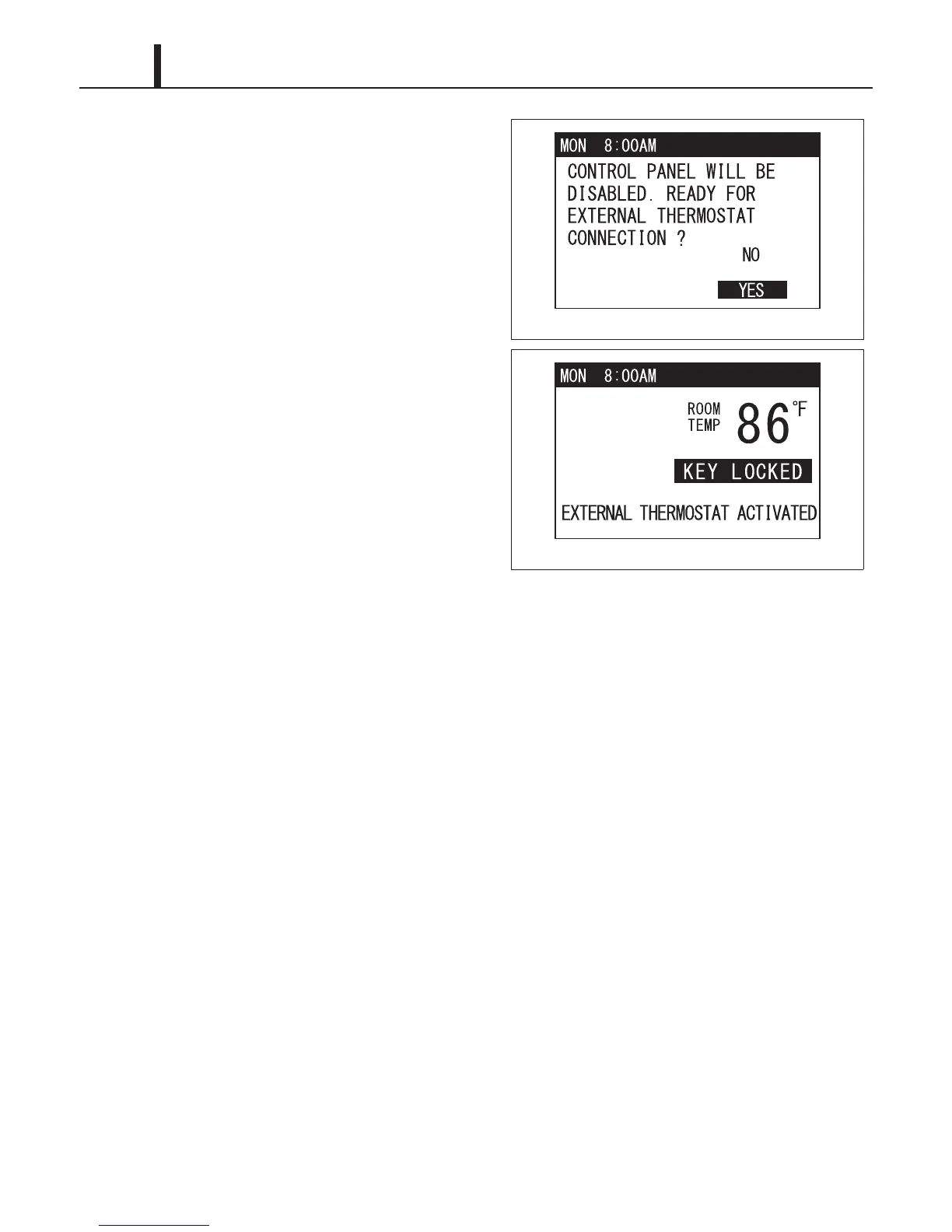
8) Use TEMP+ or -TEMP button to select YES
and press ENTER button to confirm. LCD
displays
"EXTERNAL THERMOSTAT
ACTIVATED" and "KEY LOCKED" with the
room temperature. LED color changes from
orange to green.
9) To deactivate thermostat connection, press
and hold MENU button for 5 seconds. Other
buttons are unlocked and the unit enters
standby mode. LED color changes from green
to orange.
ILL00814-00
ILL00815-00










 To Next Page