UC-8410A HW UM Hardware Connection Description
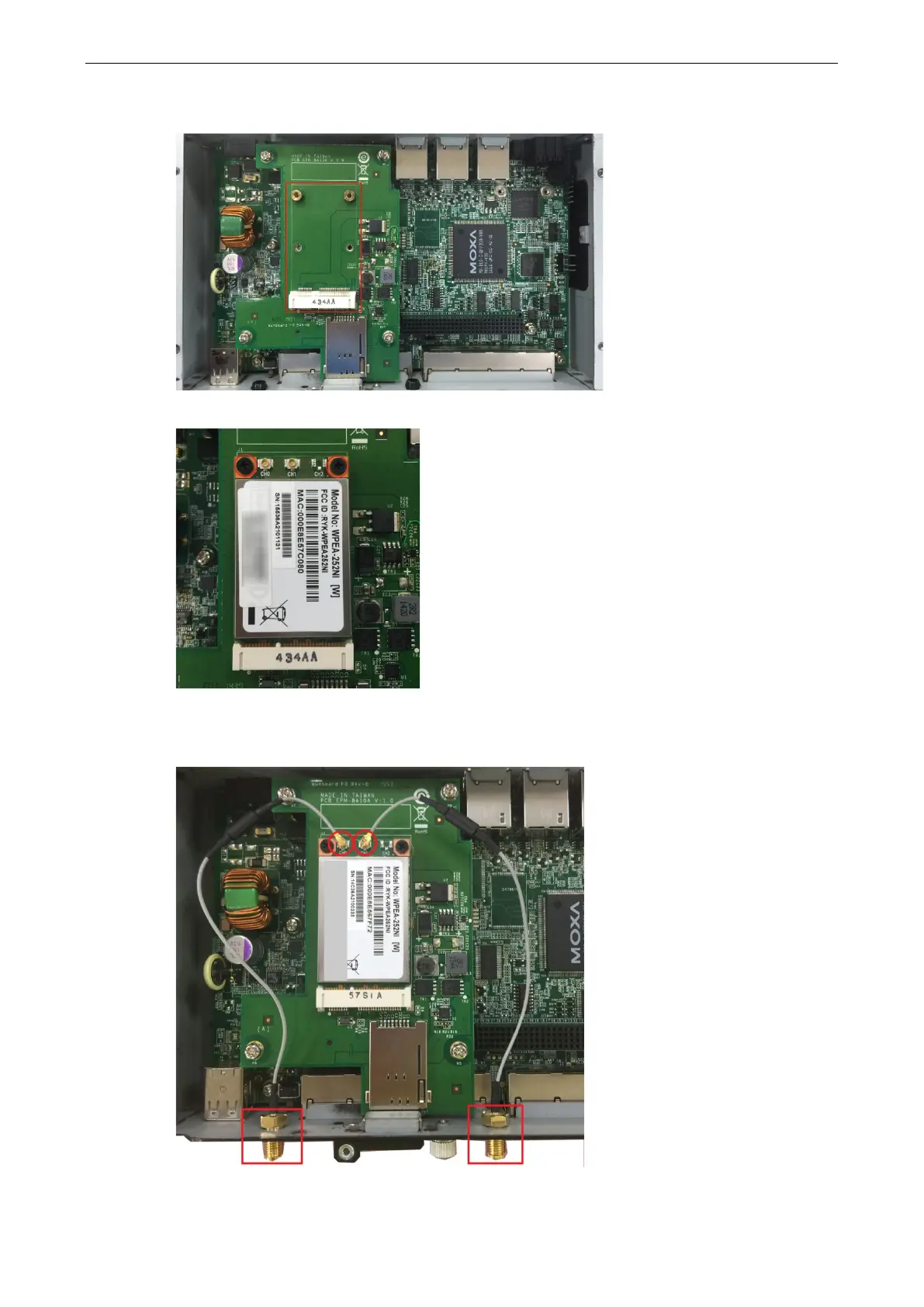
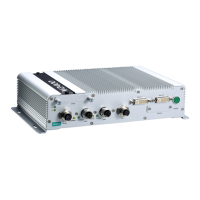
Follow these steps to install the Wi-Fi module.
1. Find the location of the module socket.
2. Insert the module in the socket and fasten the two black screws on to the module.
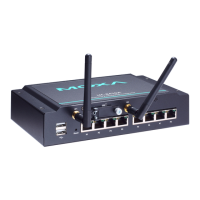
3. Attach one end of the Wi-Fi cable to the connector marked CH0 and connect the other end of the cable to
the W1 connector apperture on the front panel of the computer. Remove the black antenna hole protection
cover before you do so.


 To Next Page